I’m picky about digital fonts because the category hides four quite different looks under one name. A glowing clock readout, a receipt from an old printer, a mainframe punch card and a handheld-console menu all count as “screen lettering”, yet they behave differently once you set a real sentence in them. This guide sorts digital fonts into the families that actually matter: segment fonts for LCD and LED displays, dot-matrix type, pixel terminal fonts, and the sci-fi lookalikes that borrow the mood without the machinery. Each section points to real free fonts from the FontCue catalog, then the second half covers the practical side, from sizing and glow to pairing and licensing. My bias is simple: use the machine look sparingly, on one element that earns it, and let a plain font do the reading. A whole page in segment type is a costume, while one glowing number on a calm layout is a design decision. Most of the mistakes I see come from grabbing a font before deciding which kind of machine the project is supposed to remember. If you want the 8-bit arcade side of this world, I’ve covered that separately in the pixel and retro gaming fonts guide, so this one stays with machine-built letterforms.
Affiliate Disclosure: If you buy through links on our site, we may earn a small affiliate commission to help support the blog – at no extra cost to you. It never influences our product selection process. Thank you!
- Digital, LCD and Dot-Matrix Fonts: A Guide to Retro Screen Lettering
- Why machine lettering is its own family
- Segment fonts: seven- and fourteen-segment LCD and LED
- Dot-matrix printer and punch-card type
- Pixel terminal fonts
- Sci-fi lookalikes that are not built from segments
- Sizing, glow and readability
- Where to use them and what to pair them with
- Licensing notes and a closing word
Get the Free Display Fonts — free download.
Download FontsWhy machine lettering is its own family
Most typefaces start from a pen, a chisel or a punch. Machine lettering starts from a constraint. A display could only light certain shapes, a printhead had a handful of pins, or a screen had a fixed grid of pixels. The letters you see are whatever that hardware could draw, and the limits are the whole charm.
That gives you four useful families. Segment fonts imitate LCD and LED readouts, where each character is assembled from bars. Dot-matrix fonts imitate printers and card punches, where each character is a small grid of dots. Pixel terminal fonts imitate bitmap screens. Techno display fonts simply look like the future was drawn by an engineer, with no hardware behind them at all.
Knowing which family you want saves time. Segment fonts say “clock” or “gadget” instantly. Dot-matrix says “printout” or “mainframe”. Pixel says “interface” or “handheld”. Treating them as interchangeable is how a dashboard ends up looking like a receipt.

Segment fonts: seven- and fourteen-segment LCD and LED
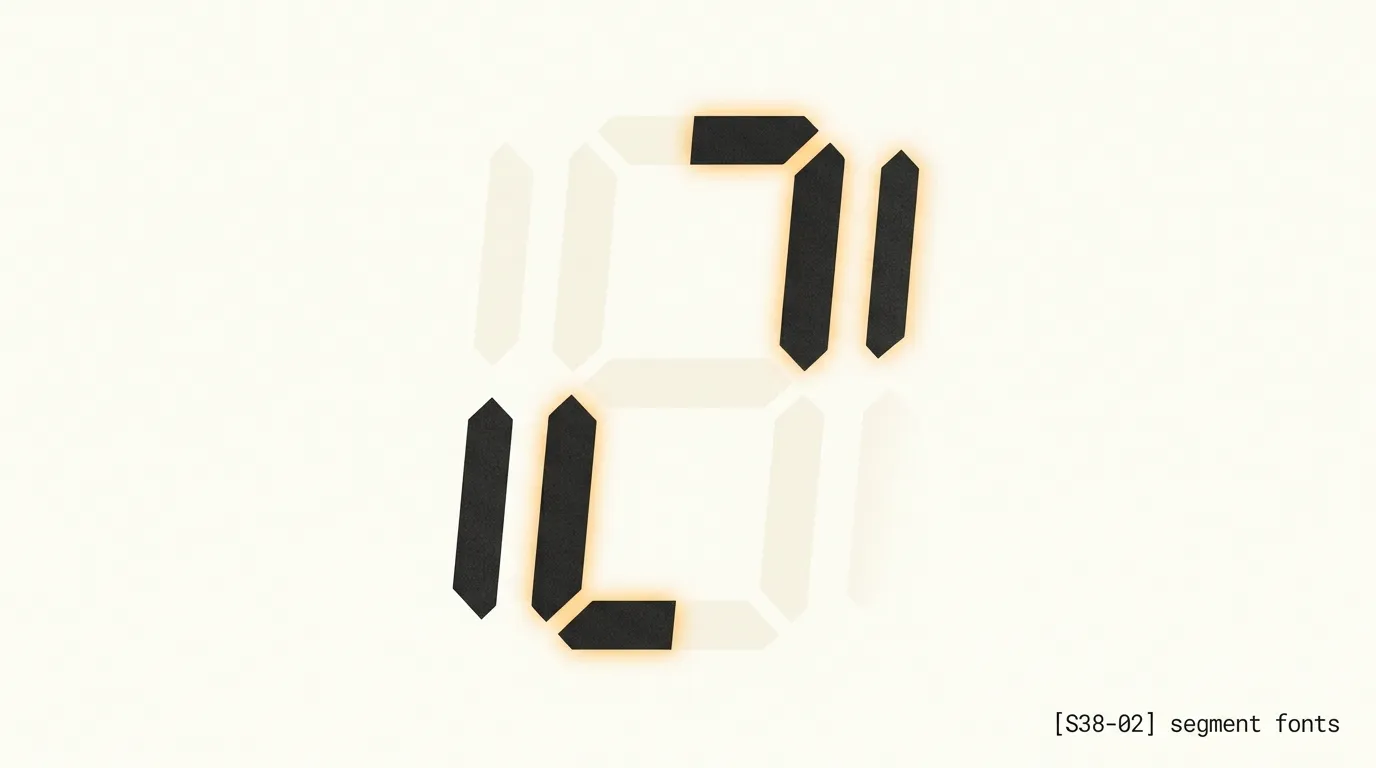
A seven-segment display lights some combination of seven bars to form a digit, which is why it dominates calculators, alarm clocks and microwave timers. A fourteen-segment display adds diagonals and a split middle bar, which is enough to draw a full alphabet in a pinch. The letters are still blocky and sometimes ambiguous, and that is exactly the look people want from a led display font.
DSEG14 Classic is the clearest example in the catalog. Its FontCue page describes it as a 14-segment display font that reproduces the glowing letters of LCD and LED panels, and it comes in five styles. The wider DSEG project by Keshikan also includes 7-segment families, so if your project is pure numbers, such as a countdown or scoreboard, check the project for the seven-segment version. The FontCue catalog carries the 14-segment one.
LCD 14 keeps its 14-segment roots while covering unusual ranges like Katakana, Hebrew and Runic, according to its catalog page. That makes it a good fit for sci-fi interface mockups, where a few alien-looking characters sell the idea.
Because both fonts draw uppercase and lowercase from the same segment shapes, test your actual words before committing. A segment alphabet has to cheat on letters like M, W and K, and it shows.
Dot-matrix printer and punch-card type
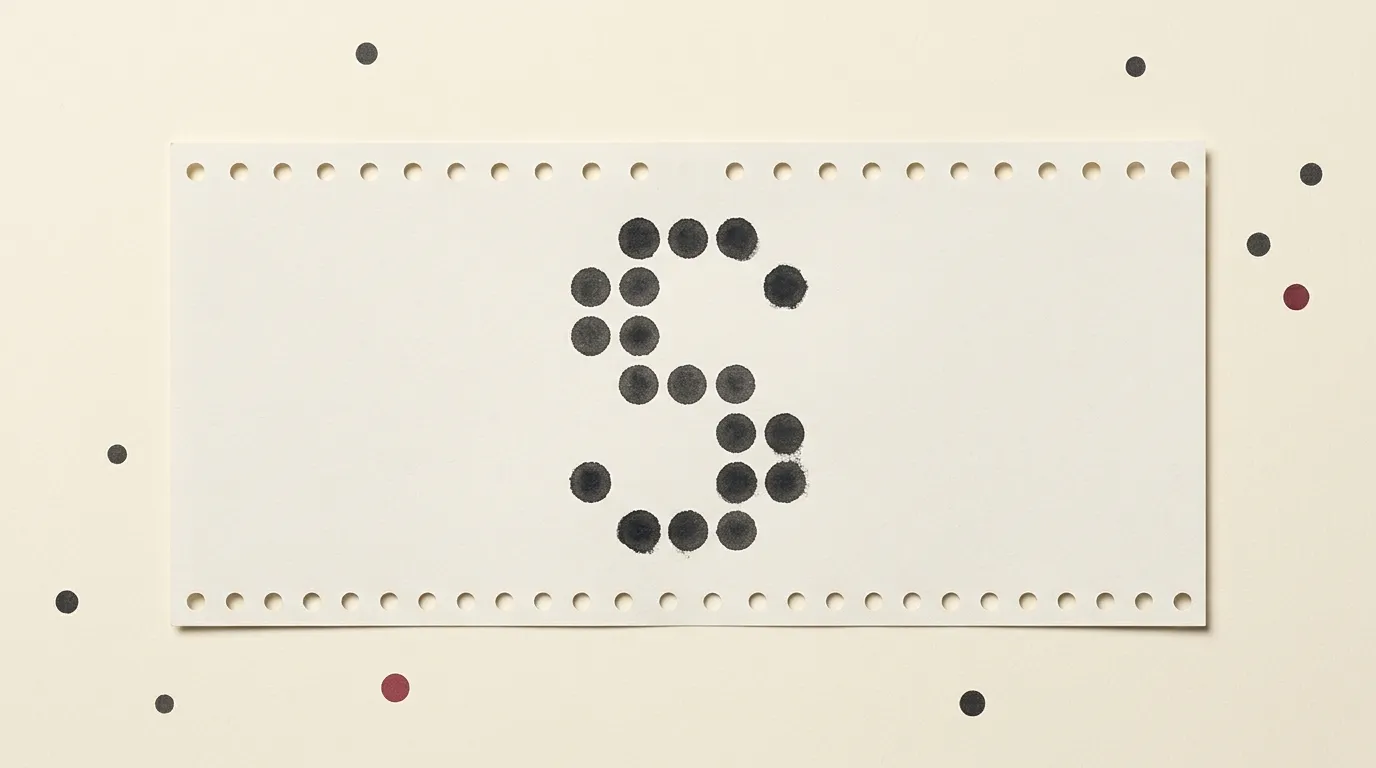
Dot-matrix type is softer than segments. Characters are built from a grid of dots, traditionally five columns by seven rows, and the round dots leave small gaps that read as ink rather than light. This is the lettering of receipts, shipping labels and old office printouts, so it carries a paper-and-tractor-feed feeling that a glowing display cannot.
Dotrice imitates the output of an old EPSON FX-80 dot-matrix printer, with round dots and perfectly even ink, per its catalog page. It comes in four styles, which gives you room for headline and label variations. It suits retro computing themes, receipts and nostalgic headlines.
Keypunch029 goes older. FontCue describes it as a careful rendition of the 5×7 dot-matrix characters that the IBM Type 29 Card Punch printed on punched cards in 1965. It is a monospace, so it lines up like a ledger, and it brings a mainframe-era look to tech posters and screens.
If you are trying to choose between them, ask whether the design should feel like a product or like a document. Dotrice leans product and receipt. Keypunch029 leans archive, data and paperwork.
Pixel terminal fonts
Pixel terminal fonts are bitmap-style faces drawn for a screen grid. They overlap with the gaming look, but the ones below lean toward interfaces, terminals and tools rather than arcade cabinets.
Dogica is an 8×8 pixel monospace with more than 200 characters, made for the GB Studio game maker. Its regular version is smooth, while the Pixel version is tuned to render cleanly on a pixel grid. Departure Mono is a pixel-style monospace inspired by retro technical interfaces, sharp at its native size, and useful for code screenshots and game UI.
Terminal Grotesque is the odd one out in a good way. It mixes a bitmap-terminal look with the proportions of a classic grotesque, so headlines get an edge without looking like a game. Fusion Pixel is a 12-pixel proportional font, and the catalog copy describes the Latin version, which suits retro UI and nostalgic headlines.
Galmuri 11 is an 11-pixel bitmap-style font covering Latin, Hangul and Japanese kana, with a retro handheld-console feel. Its fixed-width sibling Galmuri Mono 9 lines up cleanly in grids and terminals. Monocraft is modelled on the lettering in Minecraft and extended into a programming font; since that lettering belongs to a famous game, keep it to posters, streams and code screenshots, and skip it for logos.

Sci-fi lookalikes that are not built from segments
Some fonts borrow the feel of a digital readout without any hardware logic behind them. They are smooth, squared-off and geometric, so they stay kinder at large sizes and read more easily in a full line.
Orbitron is the familiar choice, with four styles and a wide, squared-off, space-age look. Rajdhani is narrower and squarer, useful where a dashboard label needs to fit a tight space. Exo 2, with six styles, leans more toward a technological sans serif than a true display face, so it can carry short paragraphs. Martian Mono is a wide, techno-flavoured monospace that comes in several widths and weights.
Use them sparingly for the same reason as everything else here, because a techno face on every line stops feeling technical. These are your bridge fonts. When a segment font would feel gimmicky for more than a number, a techno sans gives the project the same attitude without the ambiguity of a fourteen-bar alphabet.

Sizing, glow and readability
Start with the rule that catches most people: bitmap and dot fonts look right at sizes that are multiples of their native pixel height. Dogica’s grid is 8 pixels, Fusion Pixel’s is 12, Galmuri 11’s is 11. Set them at 8, 16 or 24 pixels for the first, 12, 24 or 36 for the second, and so on. In-between sizes smear the edges, and you lose the crispness you chose the font for.
Segment fonts cope with scaling better, but they have their own trick. Real displays show unlit segments faintly behind the lit ones. Recreate that by stacking two copies of the same text: the back layer in very low opacity with every segment “on”, the front layer showing the real value. The result looks like a physical screen, not a font.
For glow, use light text on a near-black background and add a soft shadow in the same colour, blurred wider than the stroke. Keep it restrained. Too much bloom turns thin segments into a blur, and on a projector or a printed poster heavy glow usually looks worse than none.
Letter spacing matters more than people expect. Monospace pixel and dot fonts already space evenly, so leave tracking alone or add a little on small labels. Segment fonts often look best with a bit of extra space so the bars of neighbouring characters do not merge.

Where to use them and what to pair them with
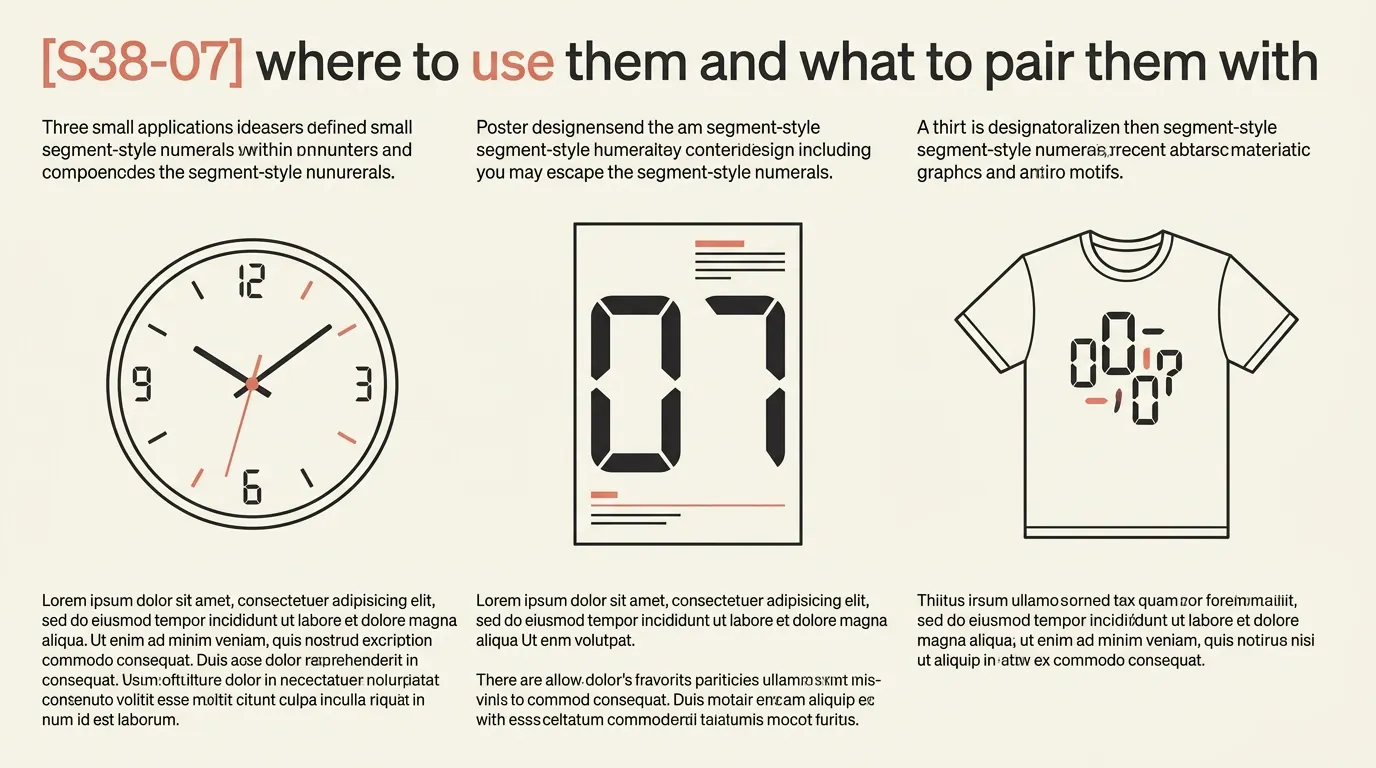
Clocks, timers and scoreboards are the obvious home for a segment font. So are dashboards, where one big live number in a segment face beats any amount of decoration. For posters and album-style covers, use a single line of dot-matrix or segment type as the focal point and keep the rest of the layout quiet.
Game and sci-fi interface work is where fourteen-segment and pixel terminal fonts shine, since they suggest a screen inside the screen. On merch, a short date, a slogan or a serial-number-style line in Keypunch029 or Dotrice reads as deliberate rather than gimmicky. Shirts and stickers show the glow poorly, so use flat colour there and let the font’s shape do the work.
For pairing, give the machine font one job and hand everything else to a readable face. A neutral sans like Inter or a serif like Lora works well beside segment and dot types, and a monospace like Space Mono can bridge the two. If the machine font is already large and loud, go quieter with the partner, not more interesting.
Licensing notes and a closing word
Every font linked above is listed on FontCue as SIL Open Font License 1.1 with commercial use allowed. That is a good starting point, but the license file inside each download is the real authority, so read it before printing a few hundred shirts. The free fonts commercial use guide walks through how to check. The one caution worth repeating is Monocraft: the license covers the font file, not the trademark of the game whose lettering inspired it, so keep it away from anything that could be mistaken for official branding.
Segment fonts suit numbers and gadgets, dot matrix suits paper and mainframes, pixel terminal fonts suit interface work, and a techno sans handles a full line. Browse the display category, try two or three digital fonts on your real copy at real sizes, and keep the one that still reads when you squint.
A 7-segment font builds every character from up to seven bars, so digits look crisp but most letters are awkward or missing. A dot-matrix font builds characters from a grid of dots, usually 5 by 7, so it can draw a full alphabet with rounder, softer shapes. Pick segments for numbers and dot matrix for words.
Often yes, but it depends on the individual font. Every font linked in this guide is listed on FontCue as SIL Open Font License 1.1 with commercial use allowed. Fonts from other sites vary widely, so read the license file in the download before putting one on merch, packaging or a logo.
Set light text on a near-black background, then add a soft shadow in the same colour as the text, slightly blurred and wider than the strokes. Keep the glow subtle, and consider a dim layer of unlit segments behind the live characters so the screen looks real.
No. Segment and dot-matrix fonts are display type, meant for numbers, labels and short headlines. Long lines become tiring to read, and some segment letters look alike. Use one of these for the feature element and a clean sans serif or serif for anything longer than a line or two.