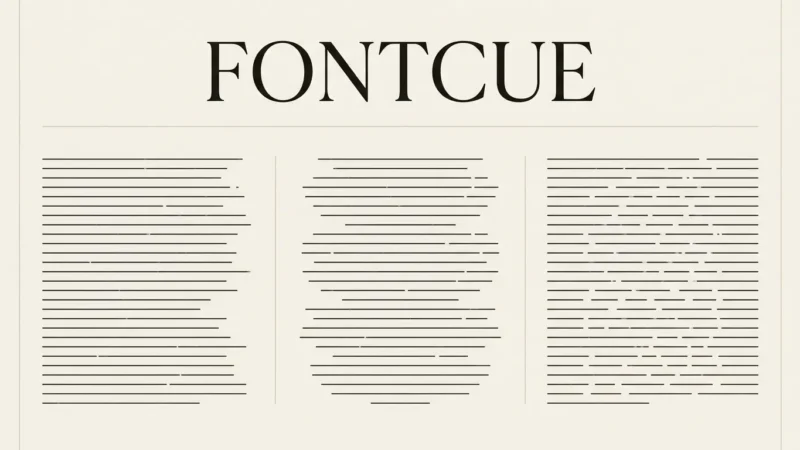
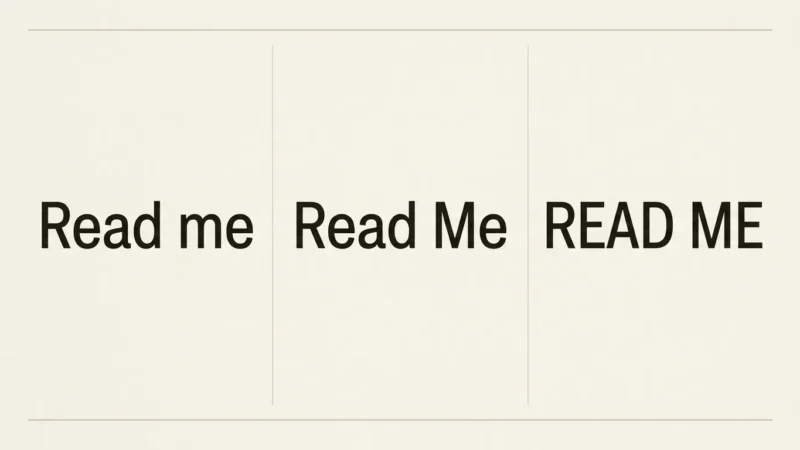
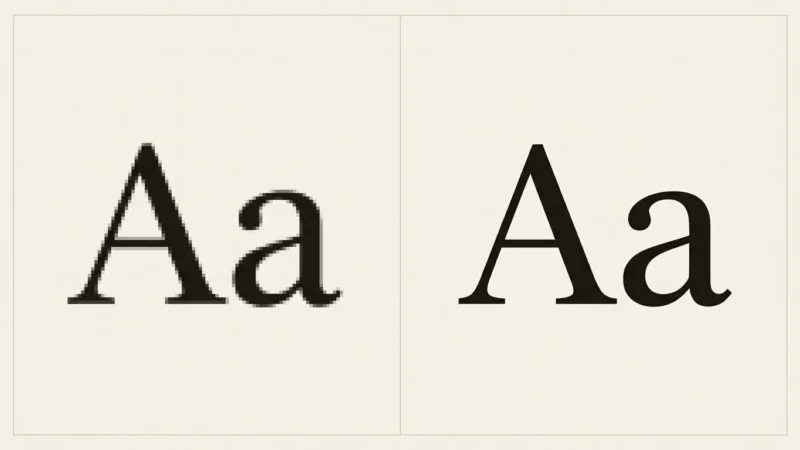
Font weight describes how light or heavy a typeface’s strokes appear. Regular, medium, semibold, and bold are choices within that design, and the useful choice depends on the text’s role. Start with the actual paragraph, label, or heading you need to set. Compare available weights at a fixed size before changing the whole type system.
Affiliate Disclosure: If you buy through links on our site, we may earn a small affiliate commission to help support the blog – at no extra cost to you. It never influences our product selection process. Thank you!
- Font Weight Explained: Choosing Regular, Medium, Semibold and Bold
- What font-weight numbers mean
- Choose weights for content roles
- Compare real words within one family
- Why different requested weights can look identical
- Variable weight is different from optical size
- Use enough emphasis to preserve a hierarchy
- Check the delivered result before standardizing it
- Frequently asked questions
A heavier setting can make an important label more noticeable, but it can also make a long passage look dense. Check the small internal spaces in letters and the relationships between headings and body copy. Choose the weight after checking both the small details and the text hierarchy.
What font-weight numbers mean
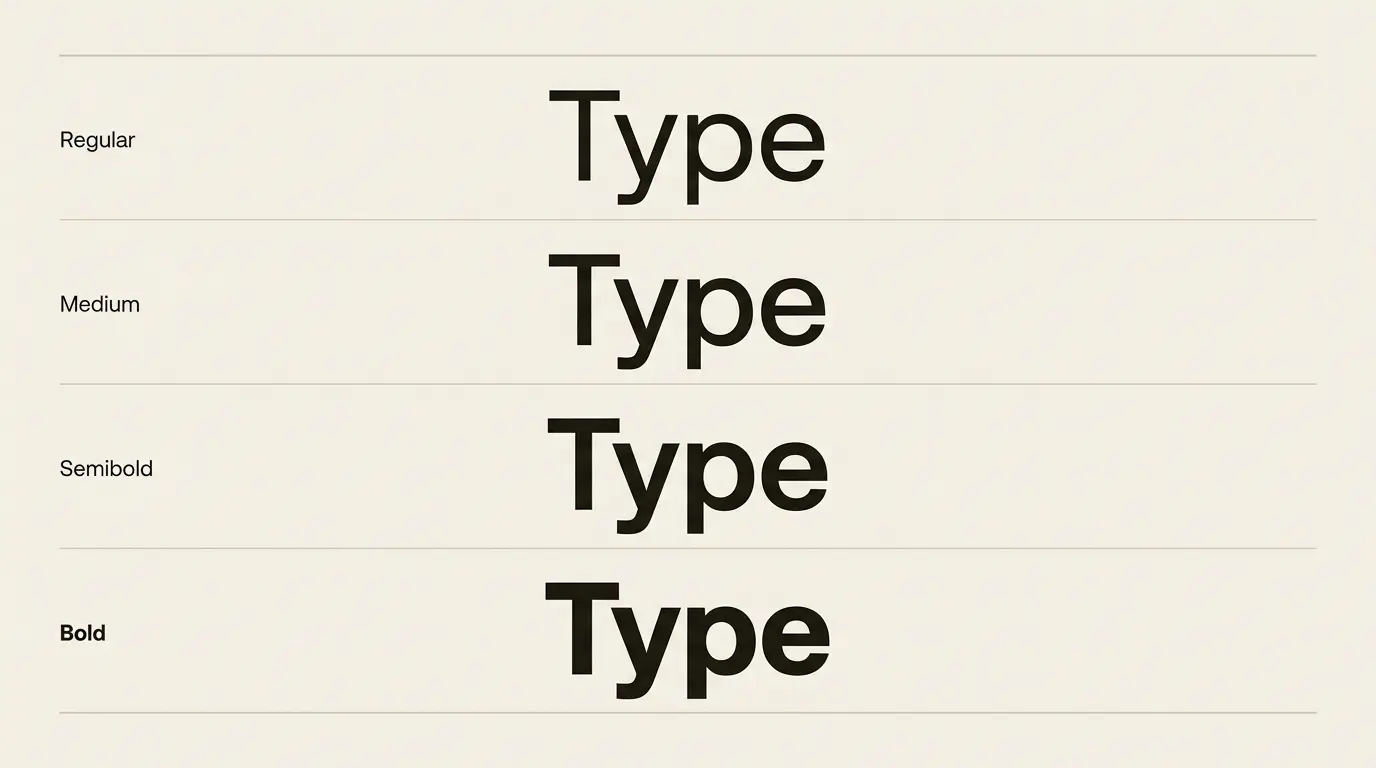
The CSS font-weight reference gives the common mapping: 400 is regular, 500 medium, 600 semibold, and 700 bold. These names help describe a position in a family; they do not make two unrelated families look equally dark.
| Common weight | Typical CSS value | A useful comparison task |
|---|---|---|
| Regular | 400 | Read a complete body paragraph |
| Medium | 500 | Compare a compact label with its regular version |
| Semibold | 600 | Check a subheading beside the body text |
| Bold | 700 | Judge a headline and selective emphasis in context |
Use the last column to compare the weights before assigning them to roles. A family may not include every named weight. A different family’s regular may already look substantial enough for a label.
Name the family and weight together in a design handoff. “Use semibold” is incomplete when the document contains several families with different visual densities.
Choose weights for content roles
Set a body paragraph first. Read several sentences, including punctuation and italic or bold emphasis if the design uses them. Then add a subheading above it. Increase the subheading’s weight only as far as needed for the relationship you want.
A short action label needs a different check. Place it inside the actual button or badge and judge its spacing and fit. A weight that looks comfortable on an empty artboard may crowd a narrow control.
For a display title, inspect the title and supporting text together. If both are very heavy, the smaller line may no longer feel secondary. You can adjust weight selectively instead of increasing size across the whole composition.
Write the roles down before adding more options. Body, supporting label, subheading, and display title are enough to begin a comparison. Add a distinct weight only when a real content role calls for it.
Compare real words within one family
Use the same text, size, width, and line height across candidate weights. Otherwise, it becomes difficult to tell whether you preferred a heavier stroke, a wider column, or simply a larger word.
Check a compact word and a full sentence. Look inside letters such as a, e, and g, where spaces can become visually tight as the design gets heavier. Examine punctuation too: a small decimal point or colon may be important to the task.
Include the widest label in your layout. If one weight forces it onto another line, decide whether that wrap is acceptable. Do not squeeze letter spacing automatically to preserve a layout built around a different face.
Record the result in a comparison note: “semibold distinguishes the subheading without changing its wrap.” Avoid turning a preference into a claim that a particular number is the most readable weight for everyone.
Why different requested weights can look identical
A value in a style field describes the request; it does not prove the required font data arrived. CSS uses weight matching when the requested weight is unavailable. MDN also notes that the computed property can retain the requested number even when a different available weight is rendered.
The font-face weight descriptor associates files with weights or ranges. A single static face does not become a genuinely variable design just because its declaration accepts a broad range. Several requested values can therefore produce the same visible face.
If medium and semibold appear identical on a website, inspect the loaded resources and family declarations before adding stronger CSS values. In a visual editor, confirm the correct family and installed style. Compare a plainly different available weight as a diagnostic, without treating that temporary setting as the final design.
Browsers can also synthesize missing styles. The font-synthesis documentation describes controls for synthesized weight and style. Disabling synthesis does not supply the absent face; the font files and declarations still need to be correct.
Variable weight is different from optical size
A variable font can supply intermediate weights within its supported range. That gives you finer adjustments, but the range belongs to that particular font file. A numeric choice is useful only when the font and the destination application support it.
Optical sizing is another feature. MDN explains that optical sizing can adapt glyph shapes for different sizes when the font has an optical-size axis. That can change letterform details as well as the apparent stroke treatment.
Keep those controls separate in your tests. First compare weights at one size. Then compare any supported optical-size behavior. If you change both simultaneously, record both changes rather than attributing the whole result to weight.
For a handoff, describe the actual setting and check the exported or delivered output. A slider in the authoring application does not establish that every later viewer will receive the same variation settings.

Use enough emphasis to preserve a hierarchy
Choose which phrases truly need emphasis before applying bold. When an entire paragraph is equally heavy, its supposedly important phrases have no weight difference left to distinguish them.
Try a normal paragraph with one short emphasized phrase. Read it in context and check whether the emphasis interrupts the sentence. If several warnings or actions compete, consider whether the content needs separate paragraphs or headings instead of more bold text.
On a small card, give one element the main role. A title, date, location, and button can be organized through spacing and order as well as weight. Keep the essential supporting information readable even when it is visually secondary.
The font pairing and hierarchy guide covers those relationships in more detail. For a deliberately light look, review the thin-font guide before reducing every text role to the lightest face.
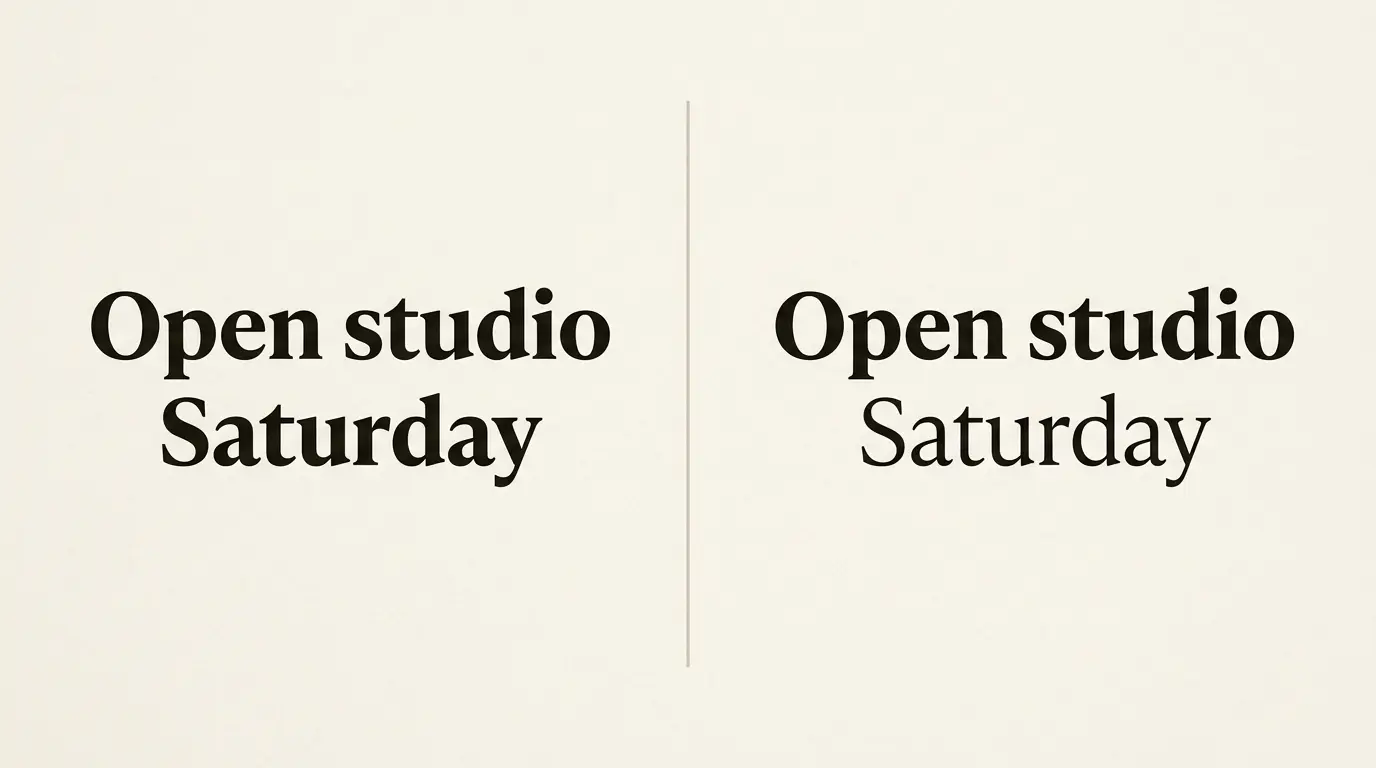
Check the delivered result before standardizing it
Set a real paragraph, a short label, and a wrapped heading in the chosen family.
Compare the available weights while holding size and layout constant.
Verify that the delivered font includes the intended faces or variable settings.
Inspect small punctuation and the internal spaces in letters.
Review the export or web page at normal size and on a narrow screen.
Record the chosen weight for each role, together with the family and any relevant variation settings.
Save a specimen page showing the final text roles. When someone updates the font files or swaps the family, that specimen gives them a specific comparison instead of a vague instruction to “keep it bold.” For website choices, start with the website and UI font guide.
Frequently asked questions
600 is the common CSS mapping for semibold. The visual result still depends on the family and available font data. Check the family’s actual styles rather than assuming the name guarantees a particular appearance.
The family or loaded files may not supply a distinct medium face, or the difference may be subtle in the chosen text. Check the available styles and rendered resource before changing the layout.
Weight and size solve different problems. Test them separately. Heavier strokes may change the appearance of a small label, but they do not guarantee that the label is large enough for its viewing conditions.
Begin with the roles the page needs and add weights only when they produce a useful distinction. A short article may need fewer than a complex interface. Keep a record of the choices so similar roles stay consistent.