Use sentence case as a practical starting point for headings and labels, then reserve all caps for short text that still reads comfortably in context. Choose the case with the wording and reading task in view. A two-word label, a book title, and a full paragraph do not need the same casing rule.
Affiliate Disclosure: If you buy through links on our site, we may earn a small affiliate commission to help support the blog – at no extra cost to you. It never influences our product selection process. Thank you!
- All Caps or Sentence Case? Choosing Text That Reads Naturally
- All caps, title case, and sentence case
- Start with sentence case for functional text
- Where short uppercase labels can work
- Keep names, acronyms, and meaningful distinctions intact
- Written text and visual transformation are different
- Judge the whole message, not an isolated word
- Write a small casing rule the team can use
- Frequently asked questions
Before changing the case, keep the words fixed and compare the versions in the real layout. Look at wrapping, names, acronyms, and the relationship with nearby text. Review case together with clear wording and suitable letterforms.
All caps, title case, and sentence case
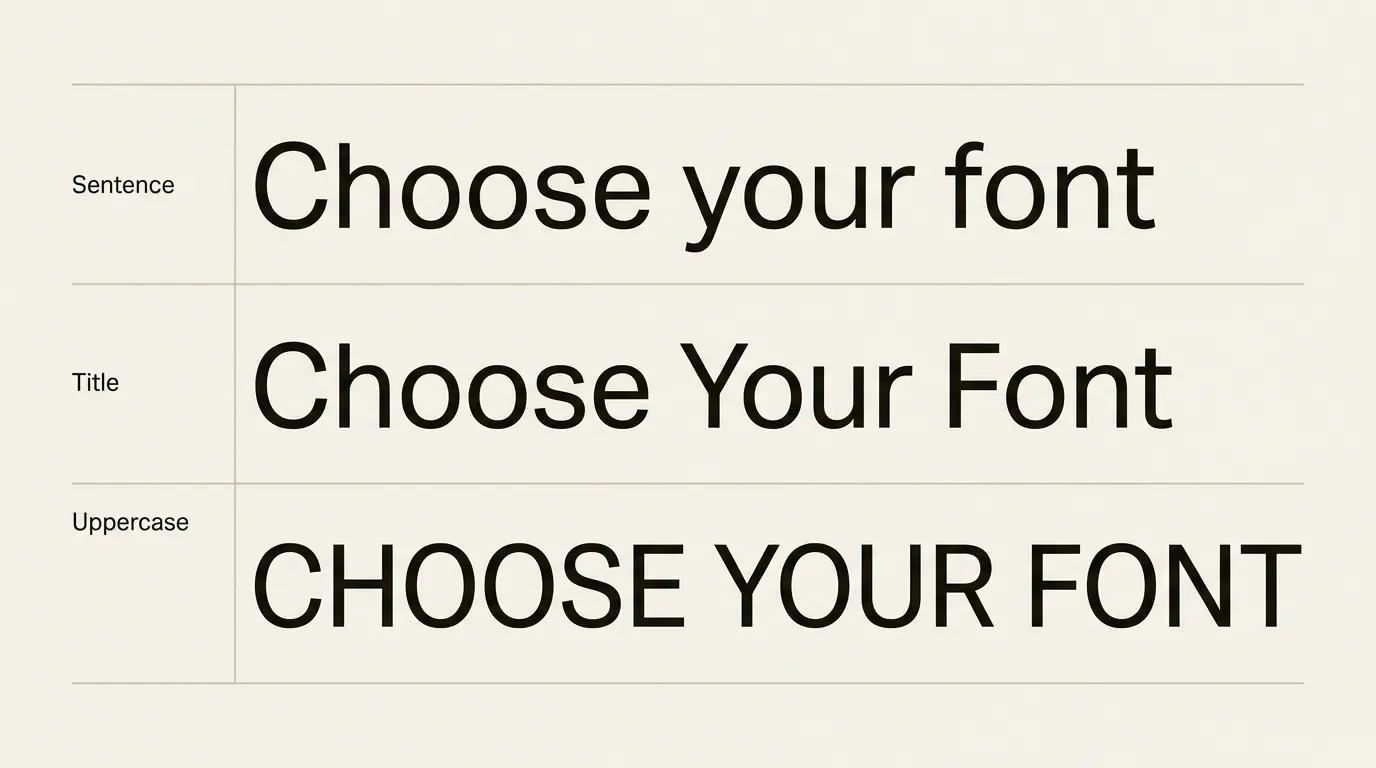
All caps uses uppercase letters throughout: FIND YOUR NEXT FONT. Sentence case follows ordinary sentence capitalization: Find your next font. Title case capitalizes selected major words according to an editorial convention: Find Your Next Font.
| Style | Example | Useful check |
|---|---|---|
| Sentence case | Choose your font | Does it read naturally beside the surrounding instructions? |
| Title case | Choose Your Font | Does it match the publication’s editorial rule? |
| All caps | CHOOSE YOUR FONT | Does the label still fit and read comfortably at its final size? |
Title-case rules differ between publications, especially for short connecting words. Choose a convention instead of manually capitalizing whatever happens to look important in each heading. Keep product names and other established spellings accurate within that rule.
Start with sentence case for functional text
Sentence case is a useful working default for instructions, status labels, and headings that describe a task. The GOV.UK Design System explicitly uses sentence case for headings. That is a documented design convention, not proof that every magazine cover or brand wordmark must follow it.
Try the rule on a small set: “Choose a file,” “Delivery details,” and “Payment complete.” Place each phrase in its actual component for the comparison. Check that the reader can distinguish the task heading from an action button and from a status message.
Use the same convention across equivalent elements. If one settings label is sentence case and the next is title case without a reason, the difference invites an interpretation that the content may not support.
Shorten an overlong label before using case as a rescue. A compact phrase that names the task is a stronger starting point than a long phrase squeezed into uppercase lettering.
Where short uppercase labels can work
A short category marker, a small editorial kicker, or a poster’s brief display line can be a reasonable place to compare uppercase. Treat it as a local choice with a purpose: separating a category from the article title, for example.
Set the actual phrase and its longest likely counterpart. OPEN STUDIO may fit easily, while a longer event label can wrap onto two awkward lines. Keep the type size and container fixed while making the first comparison.
Check the letter spacing after choosing case. If you spread a short label, inspect it as a whole word at normal size. Do not assume the same tracking belongs on a full uppercase sentence.
The GOV.UK tag component notes describe a move away from uppercase text after research identified reading difficulty, particularly for longer tags. Use that finding when reviewing long labels; its scope does not cover every short uppercase label.

Keep names, acronyms, and meaningful distinctions intact
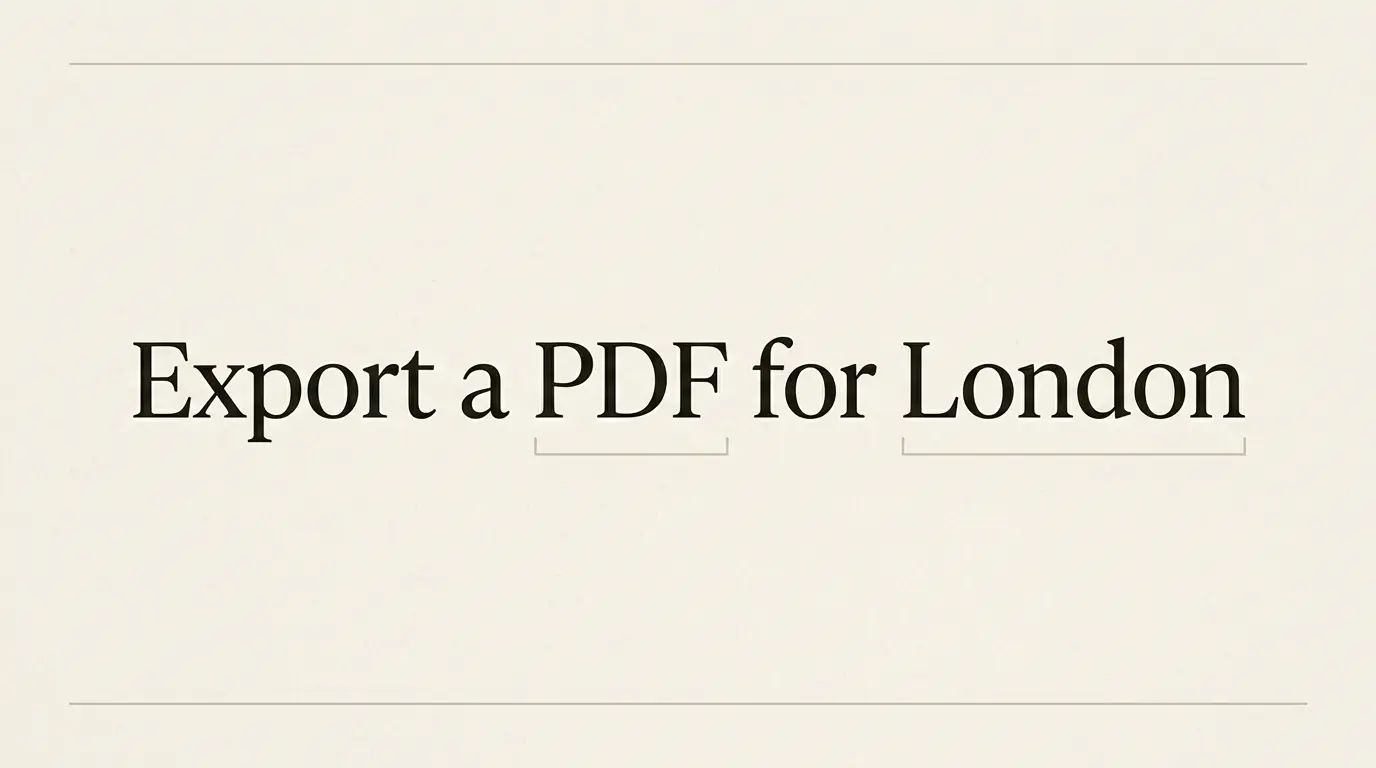
Sentence case does not mean lowercasing everything after the first letter. Names, geographic terms, and acronyms still need their correct spelling. A heading such as “Export a PDF for London” contains capitals for reasons unrelated to visual hierarchy.
Check technical terms before applying a global conversion. If the exact case identifies a command, a code, or a case-sensitive value, preserve it as data. Use a separate display label when you need friendlier wording rather than altering what someone must enter or copy.
For a brand name, follow the authorized spelling unless the assignment explicitly calls for a new identity treatment. A logo’s display lettering does not automatically establish the casing of every supporting instruction.
Read the edited text for meaning as well as appearance. A case change should not obscure a distinction the reader needs, or make a proper name look like an ordinary word.
Written text and visual transformation are different
On a website, CSS can change the displayed case. MDN documents text-transform for uppercase, lowercase, and other transformations. Its capitalize option is not an editorial title-case engine: it does not apply the publication’s rules about which connecting words should remain lowercase.
Keep the underlying wording and intended language correct. MDN also documents language-specific case mappings. A transformation that appears harmless in an English mockup may need different handling in another language.
Before handing off a web component, check both the source text and its displayed result. A global uppercase style can make carefully edited sentence-case labels look inconsistent with the approved mockup even though the stored wording is correct.
Do not add a transformation to conceal inconsistent content. Establish the editorial convention first, then decide which components need a visual treatment. That makes a later redesign less dependent on scattered exceptions.
Judge the whole message, not an isolated word
Place the heading above its paragraph and beside the neighboring controls. If you use all caps for a category label, compare it with the article title beneath it. If both demand equal attention, changing case alone may not produce the intended relationship.
For a poster or invitation, compare the event name, date, and location together. The event name may use display lettering while practical details retain ordinary case. Keep the details easy to find even when the title is decorative.
On a narrow screen, look at the longest real wording. Do not judge the whole system from “Home” and “About” while ignoring a longer form label or heading. Review wrapped lines before reducing size or tightening every letter.
Avoid explaining the result with the familiar claim that people recognize words only from their outer shapes. Kevin Larson’s Microsoft article on word recognition describes the importance of component letters and context and challenges a simple whole-outline model. Document the observed wrapping or reading problem in the actual layout.
Write a small casing rule the team can use
Write a style note with a default, its specific exceptions, and examples. For a practical website, that might be sentence case for section headings and controls, authorized spellings for names, and short uppercase category labels only where the design calls for them.
Collect representative headings, controls, labels, and status messages.
Choose the convention for each role and preserve meaningful capitals.
Compare long examples at desktop and narrow widths.
Check any CSS transformation against the written content and language.
Save a few approved examples with the rule.
Keep the rule attached to actual components so a future editor can apply it. For broader relationships between text roles, see the font pairing and hierarchy guide. For display applications, compare the poster-font guide and the banner typography guide.
Frequently asked questions
No. Length, letterforms, size, spacing, and context all need review. A short label and a paragraph are different tasks. Be especially cautious about applying uppercase across long functional text without checking real examples.
No. Proper names, acronyms, and other meaningful capitals remain. Follow ordinary language and the publication’s editorial convention rather than lowercasing everything automatically.
The capitalize transformation does not implement an editorial title-case convention. Write and edit the intended title, then use a visual transformation only when it suits the component and language.
Equivalent heading roles should follow a clear convention. A publication can still distinguish editorial titles from functional interface headings or small category markers. Document those exceptions so the pattern remains intentional.