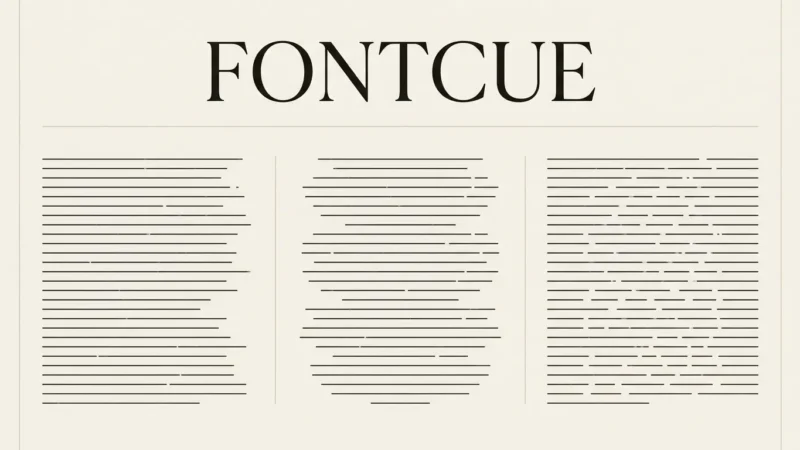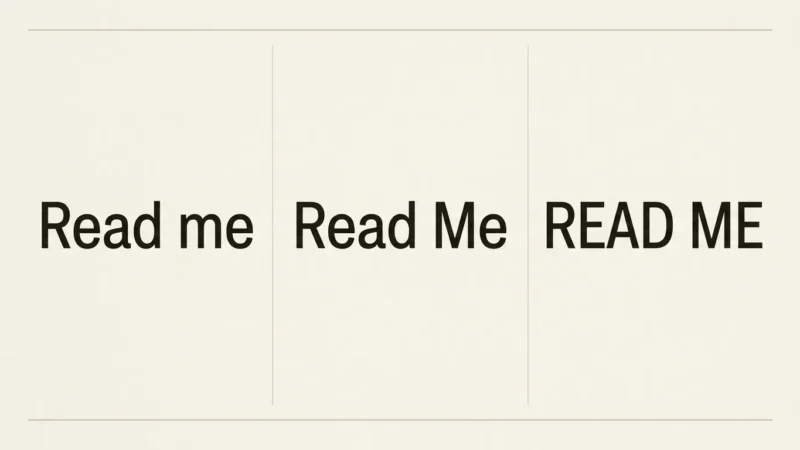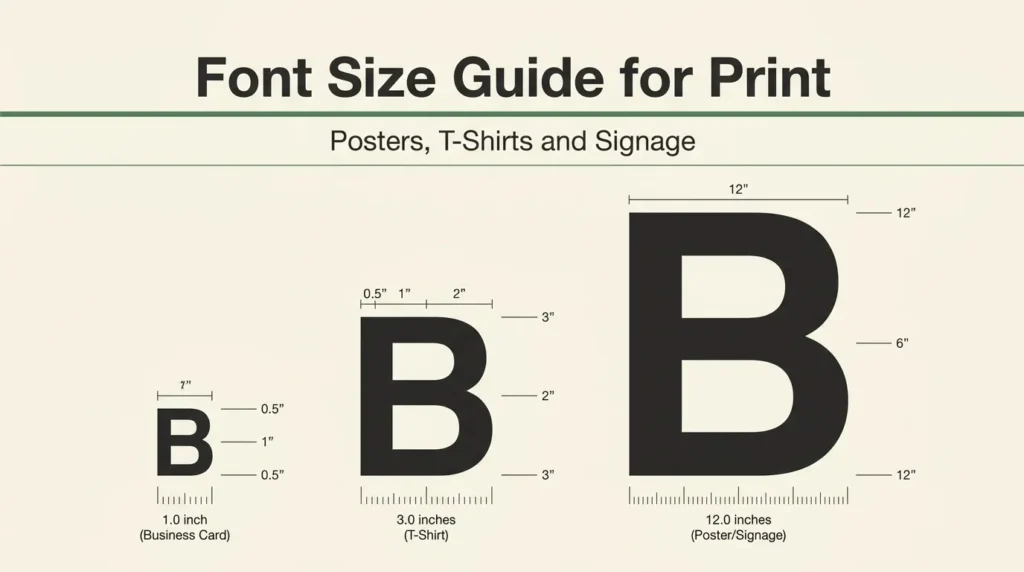
A font that reads perfectly on a laptop screen can turn into a grey smudge on a t-shirt or an unreadable line on a poster twenty feet away. That gap between screen and print catches a lot of people off guard, and it’s the reason so many first print runs come back disappointing even when the design looked great in the file. This font size guide for print walks through the actual size ranges that hold up on posters, t-shirts, signage and mobile screens, plus a quick test you can run on any file before you approve it.
Affiliate Disclosure: If you buy through links on our site, we may earn a small affiliate commission to help support the blog – at no extra cost to you. It never influences our product selection process. Thank you!
- Font Size Guide for Print: Posters, T-Shirts and Signage
- Why a font looks fine on screen and fails in print
- Poster font size guide: headline, subhead and body ratios
- Viewing-distance rule of thumb
- T-shirt font size guide: what actually survives printing
- Line weight and minimum stroke width for screen print vs. DTF
- Mobile and signage font size guide for quick legibility
- The script legibility test before you send a file to print
- Font size cheat sheet (downloadable)
- FAQ
- Internal links
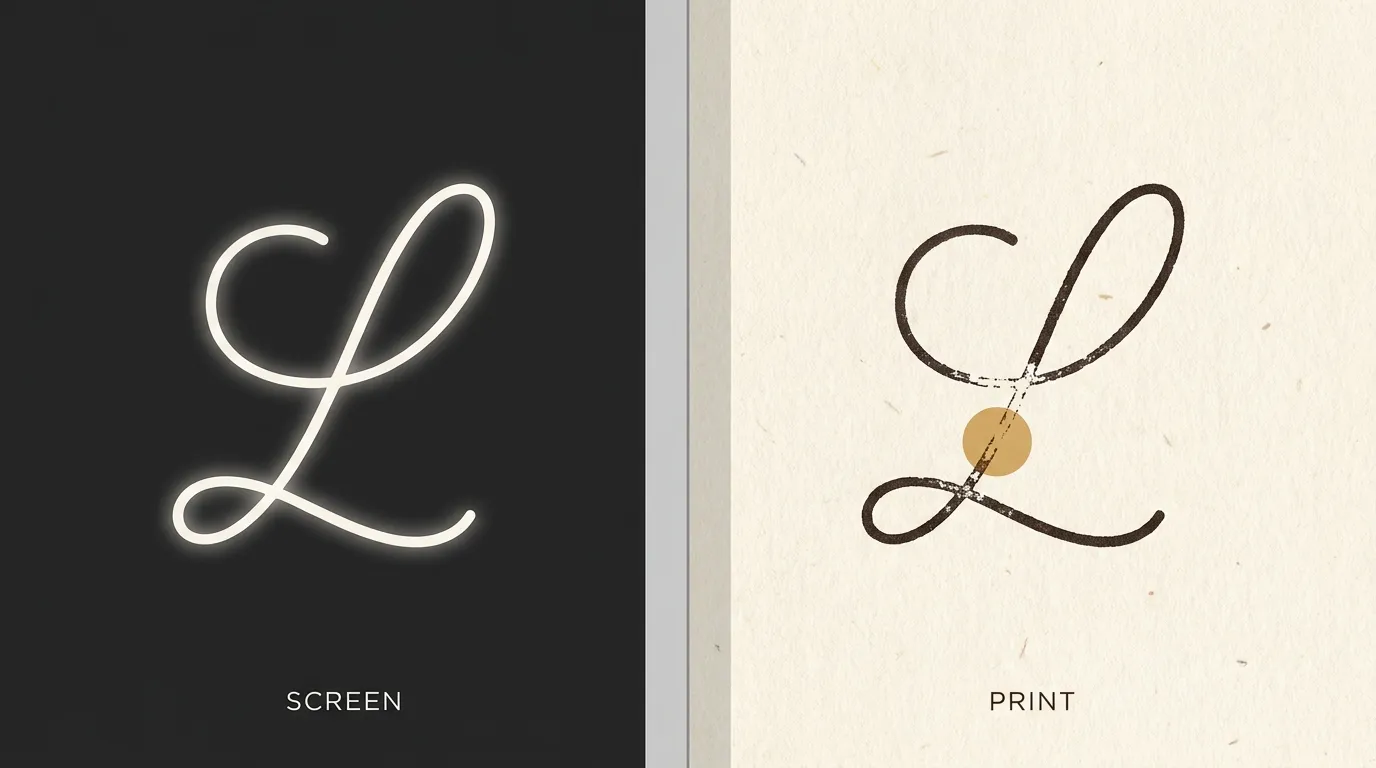
I’ve seen the same mistake more times than I can count: a beautiful script logo, sized to look balanced on a monitor, shrinks down for a hang tag or a small poster and the connecting strokes just vanish. The fix isn’t a different font necessarily. It’s checking size and legibility at the scale the piece will actually live at, before the file goes anywhere near a printer.
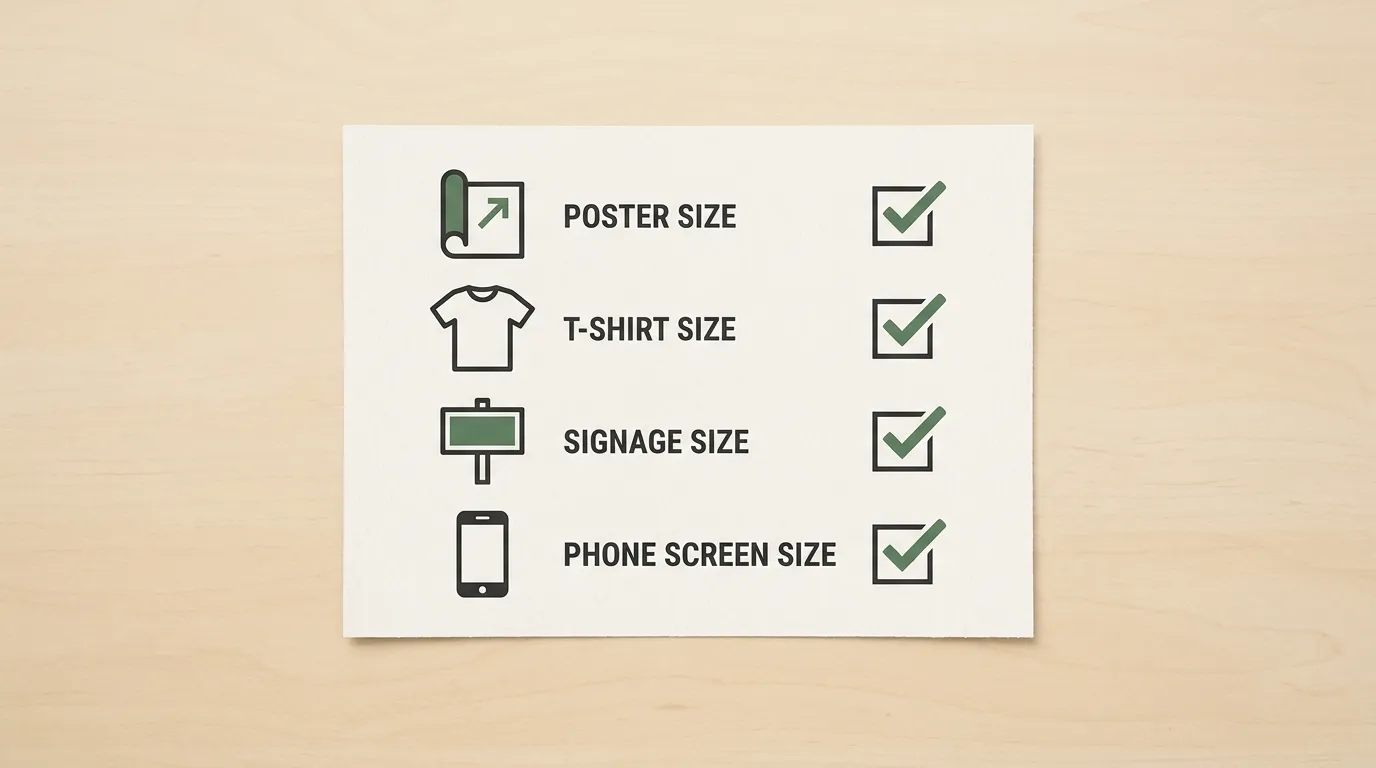
Posters, t-shirts, signage and mobile screens each have their own size floor, and none of them match what “looks right” on a monitor at design time. A poster read from across a room needs a completely different headline size than a business card, and a t-shirt printed through a screen-printing stencil behaves differently than one printed with a digital transfer. Treat print sizing as its own step in the workflow, separate from picking the font itself, and most of the disappointing-reprint problem goes away before it starts.
Get the Print Font Size Cheat Sheet — free download.
Download ChecklistWhy a font looks fine on screen and fails in print
Screens and printed materials aren’t the same medium, and font size behaves differently in each. A monitor is backlit, so thin strokes and small counters (the enclosed spaces inside letters like “a” or “e”) still register even at a small display size, because light is pushing through them. Ink on paper or fabric has no backlight. The same thin stroke has to hold its shape using only pigment and contrast against the surface, and fine details are the first thing to disappear.
Print also adds physical distance that a screen doesn’t. Nobody reads a poster from six inches away the way they read a phone screen. A t-shirt gets seen from arm’s length in a store rack and from several feet away once it’s worn. Signage is often read from across a room or a parking lot. Screen design rarely accounts for that distance, so a size that felt generous during design review shrinks, relatively speaking, the moment it’s viewed the way it’s meant to be viewed.
The other factor is the print method itself. Screen printing, DTF transfers, vinyl cutting and large-format printing each have their own limits on how fine a stroke or how small a letterform can go before it either loses definition or fails structurally. None of that shows up on a screen, which is exactly why a size that looks correct in your design software still needs a separate check before it goes to print.
Poster font size guide: headline, subhead and body ratios
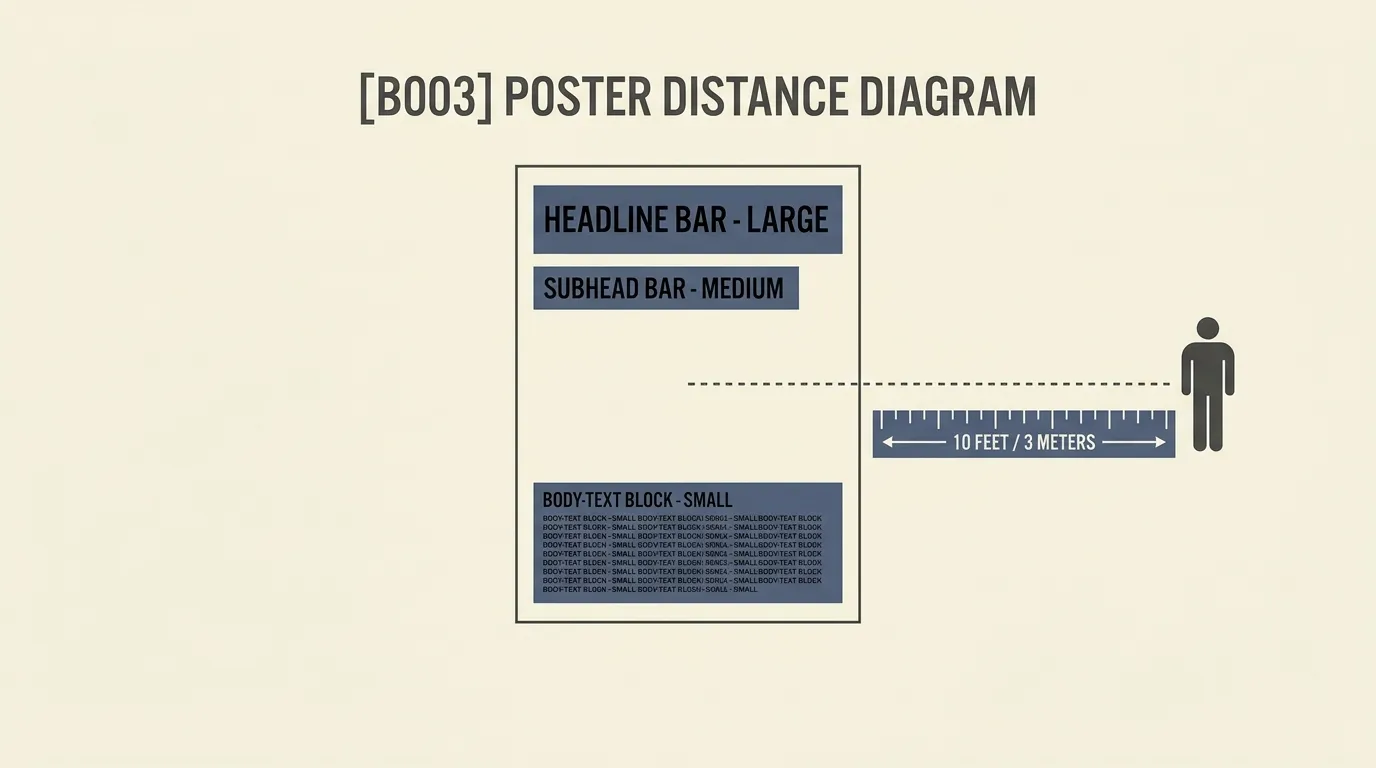
A poster generally needs three size tiers, and getting the ratio between them right matters more than picking an exact point size. The headline carries the whole poster and should be the only thing a viewer catches instantly. A workable starting range is 50 points and up for a headline meant to be read within a few feet, scaling well past 100 points for anything meant to be read across a room or from outside. The subhead sits noticeably smaller, often somewhere around half the headline’s size, and the body copy drops again from there, with a practical floor around 24 points for anything that needs to stay comfortably readable up close.
Viewing-distance rule of thumb
A simple way to size a poster headline without guessing: multiply the intended viewing distance in feet by roughly six, and use that as a rough point-size floor. A poster meant to be read from ten feet away needs a headline in the neighborhood of 60 points or larger to stay legible without anyone straining. The farther the viewing distance, the more this rule matters, since a headline that’s only slightly undersized at ten feet becomes genuinely unreadable at twenty.
Test the poster at actual size before it’s printed, ideally on a wall or floor space that lets you view it from that real distance, not just on a screen at 100 percent zoom.
T-shirt font size guide: what actually survives printing
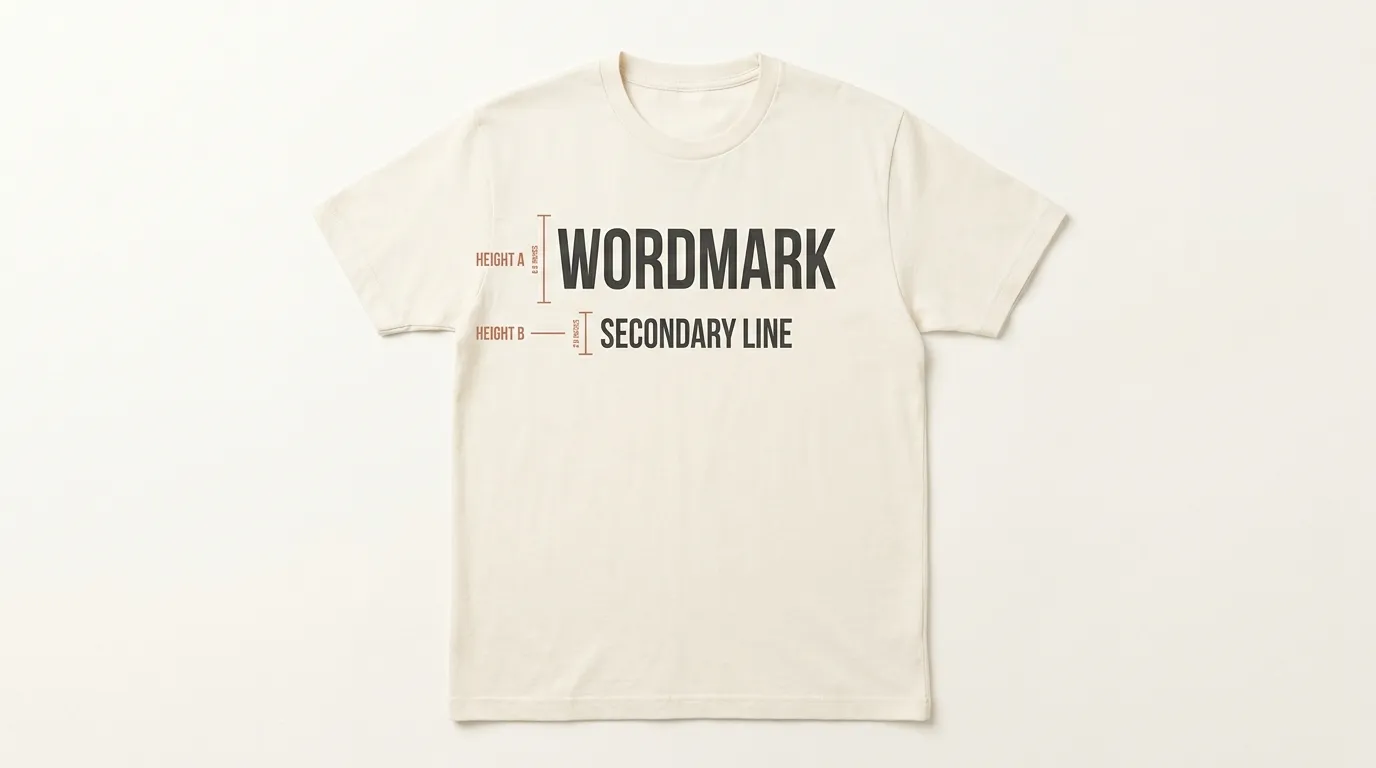
T-shirt printing has its own constraints that posters don’t. Chest-level designs generally need a minimum of about 1.5 inches of height for the main line of text to stay legible on the body and to hold up through repeated washing. Secondary lines, smaller taglines or supporting text sitting under a main design, can drop to around 0.75 inches, but going much smaller than that risks the text becoming a blur once it’s printed on fabric, which has more texture and less contrast than paper.
Line weight and minimum stroke width for screen print vs. DTF
Screen printing pushes ink through a mesh stencil, and very thin strokes can get lost or clog the screen entirely, so a safe floor is keeping any stroke at least about 1.5 to 2 points wide at the final print size. DTF (direct-to-film) transfers handle finer detail than traditional screen printing, since the design is printed digitally before being heat-pressed onto the fabric, but extremely thin script strokes can still thin out or break up once they’re pressed. Either way, a bold or semi-bold weight travels through both methods more reliably than a light or hairline weight, especially for anything smaller than a few inches tall.
Mobile and signage font size guide for quick legibility
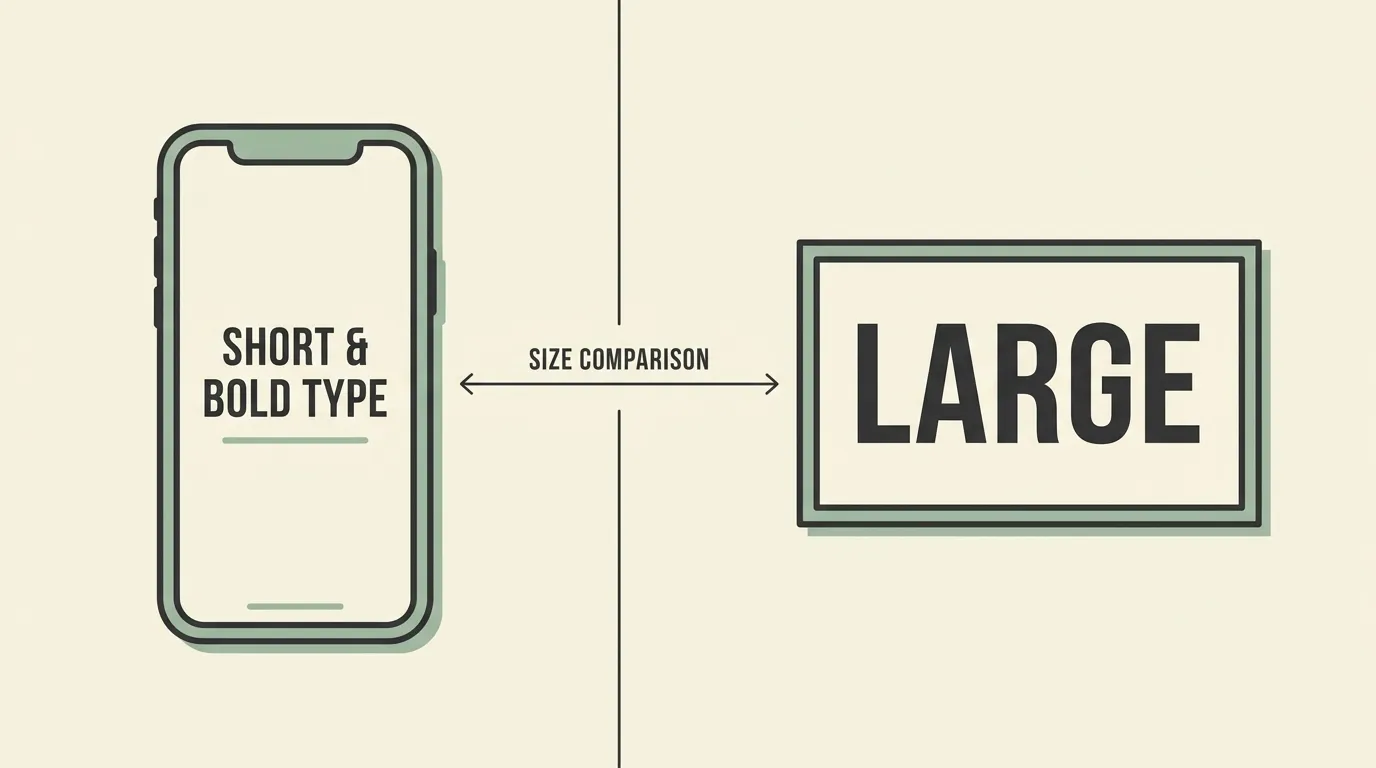
Mobile screens and physical signage sit at opposite ends of the size spectrum, but they share one requirement: whoever’s reading them has only a second or two of attention, not time to study the text. On a phone screen, body text below about 16px starts asking the reader to zoom in, which is a strong signal to size up rather than assume it’s fine because it “reads okay” on a larger monitor during design.
Signage works the same way in reverse, scaled up for distance instead of down for a small screen. A rough formula that print shops use: multiply the intended viewing distance in feet by about 0.035 to get the letter height in inches, then convert that height to points by multiplying by 72. A sign meant to be read from 20 feet away needs letters around 0.7 inches tall, which works out to roughly 50-point type at minimum. Round up rather than down whenever the calculation lands close to a threshold, since foot traffic rarely stops exactly where you expect it to.
The script legibility test before you send a file to print
Script and handwritten fonts fail more often than any other style once they hit a printer, because their thin connecting strokes and tight counters are exactly what screen printing, small-scale signage and shrunk-down poster type struggle to reproduce. Before approving any file that uses a script font, it’s worth running it through a quick, repeatable check rather than trusting how it looks at full-screen zoom in your design software.
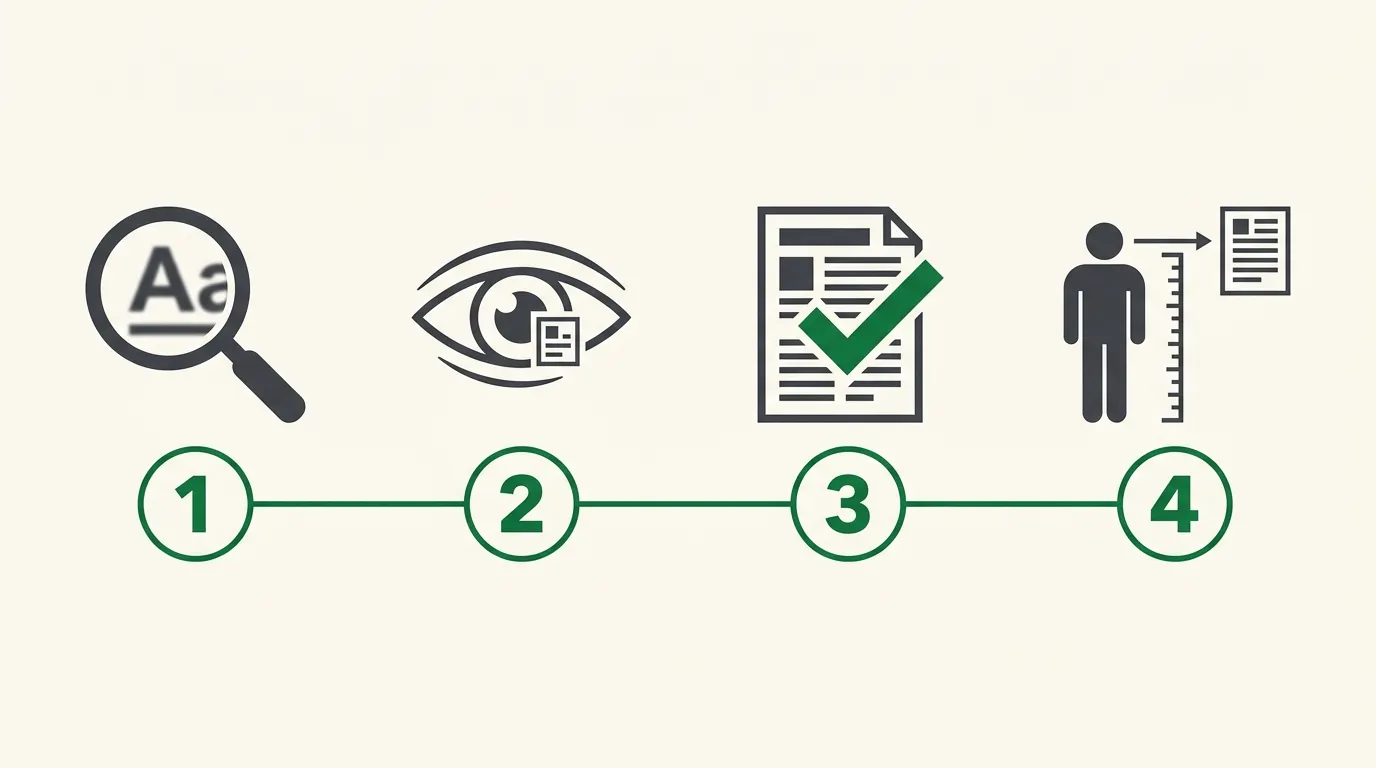
Run any print file through this test before you approve it, especially if it includes a script or handwritten font.
- Zoom out to actual size
Set your screen zoom so the design displays at the exact physical size it will print at, not fit-to-window. A script that looks fine zoomed in often thins out or clogs up once it’s shown true to size.
- Squint at the screen from arm’s length
Lean back or hold your phone at arm’s length and squint slightly. If a word blurs into a grey smudge instead of staying readable, the font is too small, too thin, or too tightly spaced for that size.
- Print a physical proof at real scale
Print the design on paper at 100 percent scale, even a rough draft on regular paper, before sending it to a t-shirt printer or poster shop. Screens are more forgiving than ink on fabric or paper.
- Check it at the real viewing distance
View the physical proof from the distance people will actually stand at: arm’s length for a t-shirt, several feet back for a poster, across a room for signage. If it’s not legible there, size it up before you order.
Font size cheat sheet (downloadable)
Between poster ratios, t-shirt minimums, signage math and screen thresholds, this font size guide for print covers a lot of numbers to hold in your head mid-project. The downloadable Print Font Size Cheat Sheet linked above condenses all of it: poster headline-to-body ratios, the t-shirt height minimums, the signage distance formula and the four-step legibility test, onto a single printable page, so it’s something to check against at the file-approval stage rather than something to memorize.
FAQ
A main chest-level line of text generally needs to be at least 1.5 inches tall to stay legible and durable through printing and washing. Secondary or supporting text can go smaller, down to around 0.75 inches, but anything below that risks losing definition once printed on fabric.
Print it at actual size and view it from the real distance people will stand at, not on a screen at full zoom. If the connecting strokes blur together or the counters close up at that distance, size the font up or simplify the pairing before finalizing the poster.
Internal links
- Font Pairing & Hierarchy: The Complete Branding Checklist (checking a pairing’s scale before it ships, the same principle applied earlier in the design process)
- Cricut Fonts: From Download to Cut-Ready (a related pre-production check for craft-cut files instead of print files)