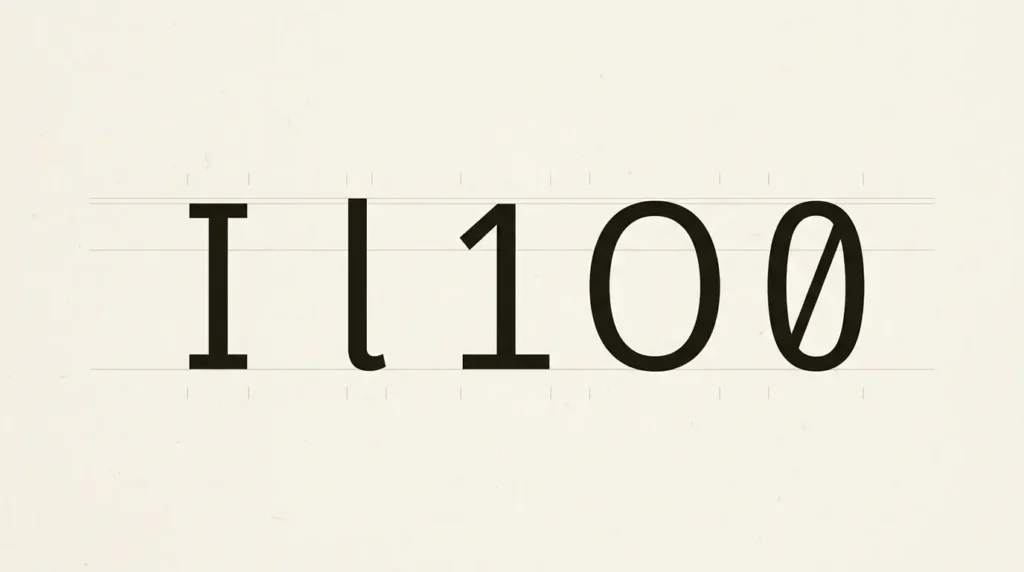
Check font legibility with the characters the task requires people to distinguish. Start with capital I, lowercase l, the numeral 1, capital O, and zero, then add names, codes, and punctuation from the real job. A beautiful sample word can hide ambiguity that becomes obvious in an unfamiliar identifier.
Affiliate Disclosure: If you buy through links on our site, we may earn a small affiliate commission to help support the blog – at no extra cost to you. It never influences our product selection process. Thank you!
- Font Legibility: How to Tell Similar Letters and Numbers Apart
- Clear characters and comfortable paragraphs are separate checks
- Start with I, l, and 1
- Inspect round forms and the spaces inside letters
- Look for combinations that resemble other letters
- Build the sample from the actual content
- Control size, weight, and apparent scale
- Keep a repeatable font-selection note
- Frequently asked questions
Keep the viewing size and content consistent while comparing candidates. Inspect isolated characters, then read them in context. Record specific problems such as an unclear zero or a lowercase pair that resembles another letter; “this font is more readable” is too vague to guide the next design decision.
Clear characters and comfortable paragraphs are separate checks
For this selection exercise, legibility means how readily you can identify the characters. Reading comfort over a passage also depends on the text’s arrangement and the reader’s task. A distinctive numeral can help in a booking code without making the same font the best choice for every long article.
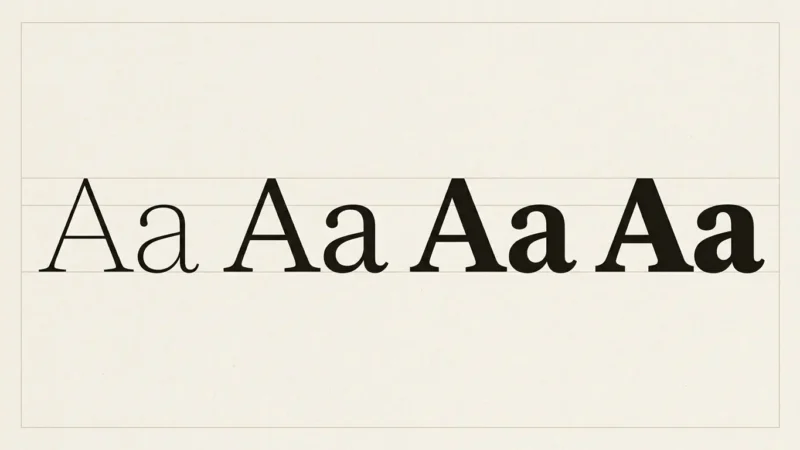
Do not use a font category as the answer. Serif and sans-serif are broad descriptions containing many different designs. Inspect the actual letters rather than treating the category name as evidence.
The Braille Institute describes its Atkinson Hyperlegible family in terms of clear uprights, distinct pairs, open internal spaces, and other differentiating details. Use those stated design priorities as inspection questions. It is not proof that one family is the right choice for every reader or task.
You can apply those questions to any candidate you are authorized to use. Evaluate the final design even when the font carries a label such as “accessible.” You can use the questions without downloading a particular family.
Start with I, l, and 1
Write each character on its own, with a label that identifies it: capital I, lowercase l, numeral 1. Then put them together in a short mixed specimen. Compare whether a top bar, bottom foot, curve, or other detail makes each character recognizable at the intended size.
Use a sentence and a code as separate tests. A familiar word may give enough context to infer a letter, while an arbitrary code does not offer the same help. If the task involves copying a code, identification matters even when the sequence forms no meaningful word.
| Sample | What to inspect |
|---|---|
I l 1 | Distinctive details on upright characters |
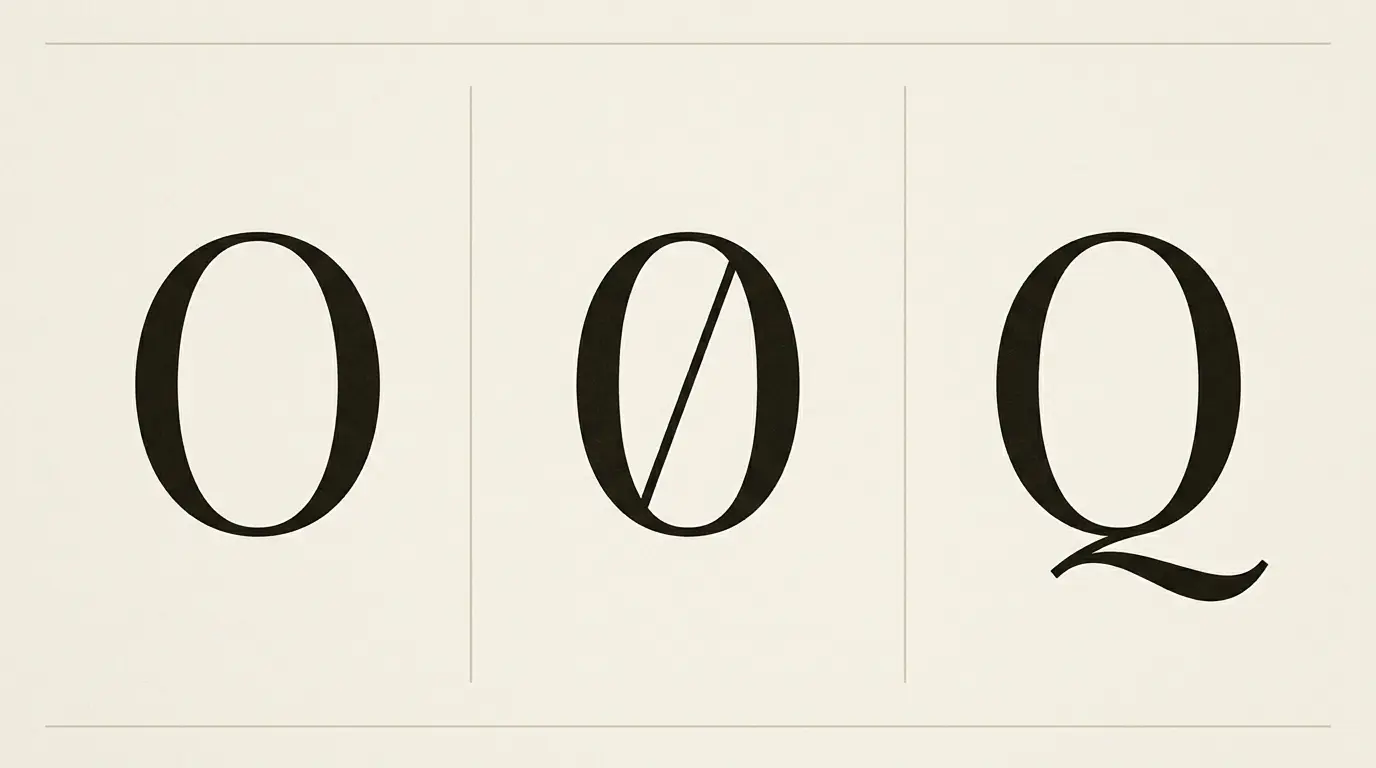
O 0 Q | Round forms, zero treatment, and the Q tail |
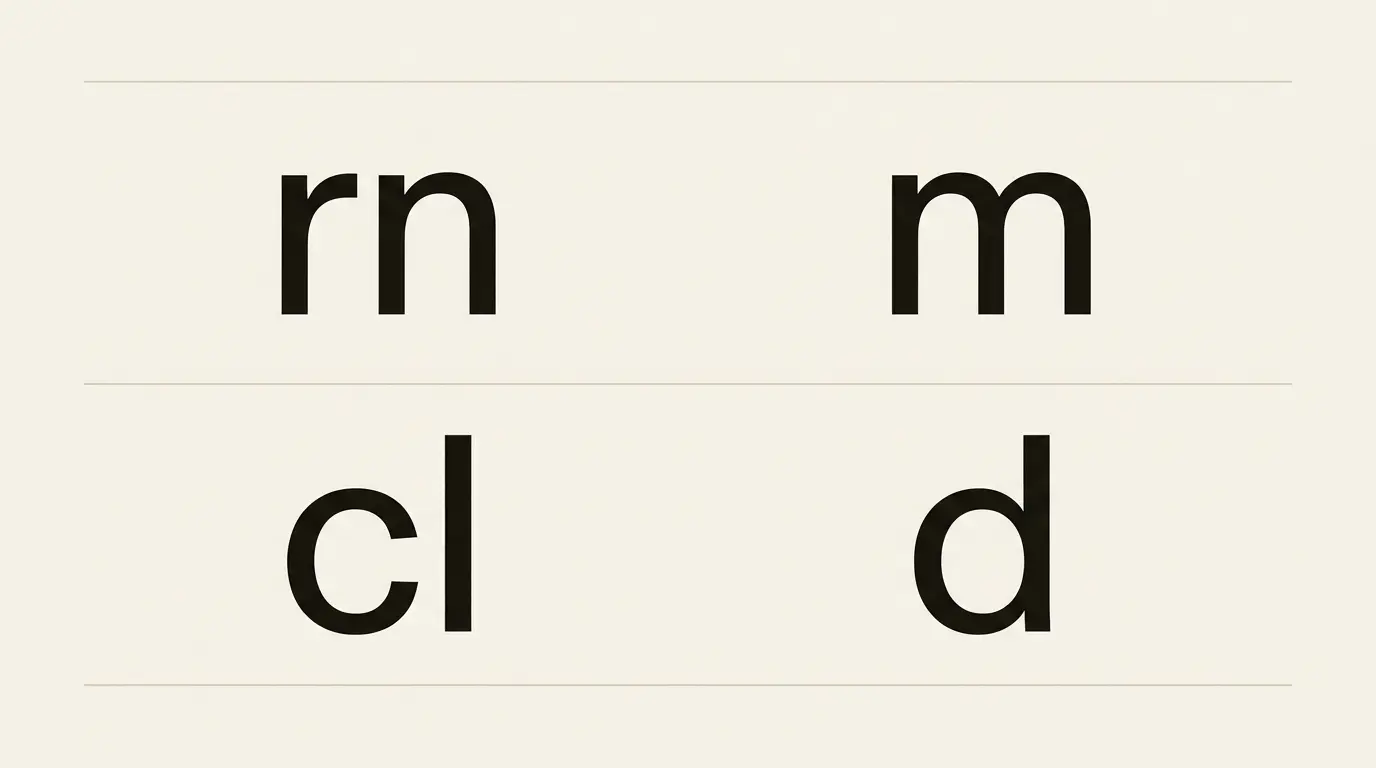
rn m | Whether a pair resembles a single letter |
cl d | Whether adjacent letters merge visually |
8 B 6 G | Internal spaces and distinguishing strokes |
1.01 1:01 | Small punctuation that changes the information |
The specimens are prompts for inspection, not a scored clinical test. If your content never uses mixed identifiers, give that issue an appropriate place in the decision rather than making it the only criterion.

Inspect round forms and the spaces inside letters
Set O, zero, and Q together. Notice how the design distinguishes them, then compare them within actual text. A slashed or dotted zero may help a particular identification task, but do not assume every candidate has one or every application activates the same feature.
Check letters with small internal spaces at the final size and weight. Look at e, a, and the bowls of B or 8. If a space becomes difficult to distinguish, compare another weight or a slightly larger setting while noting what changed.
Judge details in the delivered medium. A display specimen on a large monitor does not tell you exactly how a small printed label or compressed screenshot will look. Save the sample in its intended output format.
When inspecting a code, include the punctuation and spaces that separate its parts. A font comparison that omits those details can miss the point at which someone would copy the wrong information.
Look for combinations that resemble other letters
Type rn beside m, and cl beside d. Keep the specimen in ordinary type rather than adding wide spaces to make it artificially easy. Examine whether the adjacent shapes remain distinct at normal reading size.
Then put the combinations into words or names relevant to the project. Do not reject a font from one exaggerated sample at an unusual zoom level. Find out whether the ambiguity survives in the intended task.
Tracking can change the appearance of a pair, but spreading the entire paragraph may create a different problem. Compare the local observation with a full sentence before adjusting every character.
Context belongs in the review. Kevin Larson’s discussion of word recognition describes the contribution of letters and contextual information. Avoid the simple claim that readers identify words only by the outline around them. Your test should include both individual characters and meaningful text.
Build the sample from the actual content
For a workshop registration page, include an attendee name, a time, a venue, and a sample booking reference. For a stock label, include the product identifier and a small quantity. For article text, add a paragraph with punctuation and any language-specific characters the publication needs.
Use invented demonstration data rather than a real customer’s private information. Clearly identify a sample reference as a sample in the document where you conduct the test. Keep live access codes and personal records out of the specimen handoff.
Ask someone to read or transcribe the unfamiliar specimen without first showing the expected answer. Record any uncertainty and the conditions of that small check. Treat it as feedback on the specimen, not a controlled study or a percentage improvement in reading performance.
Include the least glamorous line of the layout. A large title can look excellent while a small model number or date is ambiguous. Essential details deserve their own space even when the headline uses a more decorative style.
Control size, weight, and apparent scale
First compare the fonts at the same nominal size and settings. Then make a second comparison at a similar apparent reading size if needed. Label the two comparisons so the adjustment remains visible.
The USWDS typesetting explanation notes that fonts can appear different in size at the same numeric value because of internal metrics and design choices such as x-height. A candidate that seems easier at 16 pixels may also look larger; that is relevant information to preserve.
Keep weight comparisons separate too. If you compare one family’s regular with another family’s bold, write that down. Name the size and weight in the result so the comparison remains clear.
For websites, review enlargement and the surrounding layout. WCAG’s Resize Text criterion addresses text enlargement to 200 percent without loss of content or functionality, with specified exceptions. A clear character specimen does not by itself demonstrate that a page meets that criterion or all accessibility requirements.
Keep a repeatable font-selection note
List the content task and the characters that matter to it.
Compare labeled isolated characters and an unfamiliar mixed specimen.
Read a real paragraph, label, or code in its layout.
Note the family, weight, size, medium, and any enabled features.
Record specific uncertainty and any informal reader feedback.
Check the exported or delivered result before confirming the choice.
A note such as “the numeral 1 is distinct from lowercase l in the booking reference at the chosen label size” gives the next designer something concrete to preserve. “Accessible font, approved” hides the scope of the check.
For related choices, use the website and UI font guide, the monospace font comparison, and the number and symbol design reference. Inspect the glyphs even when the font belongs to a relevant category.
Frequently asked questions
No. The category includes many different letterforms. Compare the specific characters, size, weight, and task rather than choosing from the category name alone.
No. A distinctive zero can help with identifiers, but the appropriate design depends on the task and audience. Confirm that the actual font and application provide the intended form.
It addresses one useful character-distinction question. Accessibility also depends on the presentation, reader needs, interaction, and other requirements. Keep the claim as specific as the check you performed.
It can reveal some problems, but it can also omit the characters your content depends on. Use isolated specimens, unfamiliar sequences, and real content from the intended layout before choosing.