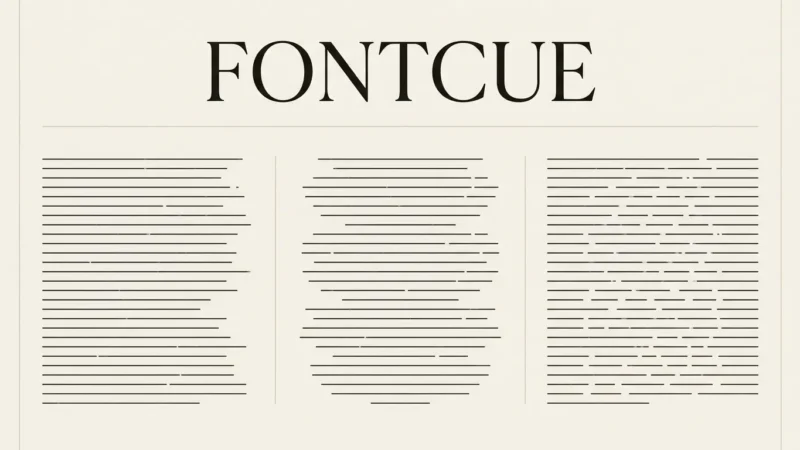
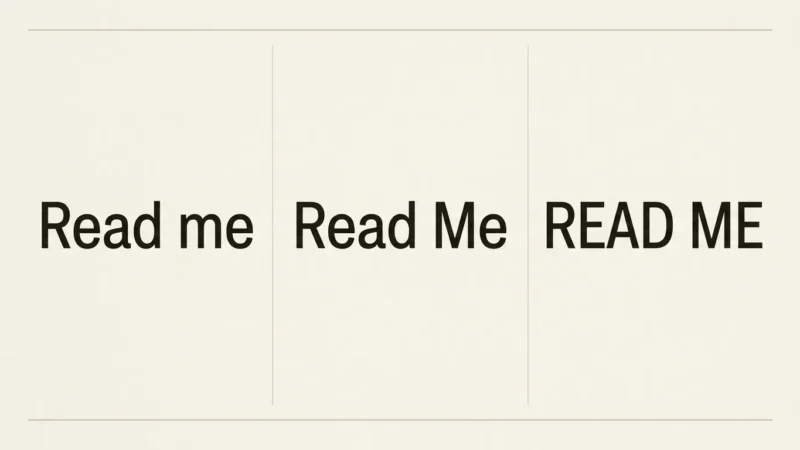
If you are choosing comic fonts for a first zine or webcomic, begin with the dialogue, because that is where readers spend most of their time. A speech bubble font has to be small, even and quick to read, panel after panel, and it fails the moment a reader has to pause on a letter. Sound effects and titles can be loud, uneven and shouty. Dialogue cannot. I would rather see a plain rounded font used consistently than five lettering styles fighting for attention on one page. Many zines and webcomics end up read on a phone, and a font that looks fine on a print proof can clog into blobs on a small screen, so size is the test I keep applying to every font below. This guide covers what gives lettering a comic feel, free cartoon fonts from the FontCue catalog for speech, sound effects and titles, spacing inside balloons, and licensing for comics you sell. Every font named here is a real listing in the catalog, and what I say about each one comes from its font page, including licence, style count and commercial-use status. Where a font page says little, I say so and send you to read it yourself.
Affiliate Disclosure: If you buy through links on our site, we may earn a small affiliate commission to help support the blog – at no extra cost to you. It never influences our product selection process. Thank you!
- Comic and Cartoon Fonts: Speech Bubbles, Sound Effects and Zine Titles
- What makes lettering feel like a comic
- Speech bubble fonts: readable at small sizes
- Sound effect and shout fonts
- Title and logo lettering for comics and zines
- Cartoon fonts for kids and playful design
- Spacing, balloons and line breaks
- Licensing for comics you sell
- Picking comic fonts for your next page
Get the Free Display Fonts — free download.
Download FontsWhat makes lettering feel like a comic
Comic lettering looks informal because it started as hand lettering. The strokes are rounded or slightly uneven, the letters sit close to one another, and the weight stays steady from the first word to the last. Fonts that borrow this look usually share a few traits: a simple skeleton, open shapes and a friendly, relaxed rhythm.
Capital letters are the classic choice for dialogue, and many comic fonts are drawn with that in mind. Mixed case also works, and some modern webcomics prefer it for a quieter voice. Pick one and use it throughout, because switching between them in the same story looks like a mistake.
A comic page has three kinds of text, and each one has a different job. Dialogue wants calm readability. Sound effects want loudness. Titles and logos want personality. A font that does one well rarely does the other two. That is why a small kit of two or three fonts, each with a single role, beats one font stretched across everything.
“Comic” on a font page describes a feeling, and the catalog has no category by that name. The fonts below sit in Handwriting and Display, so browse both when you build your kit.

Speech bubble fonts: readable at small sizes
Dialogue is the one place where readability beats personality. Comic Neue is the obvious starting point. Its catalog page describes it as a rebuild of the familiar comic-lettering silhouette, with the spacing and proportions fixed so it is usable professionally, and it recommends it for speech bubbles. It lists 6 styles, including italics, under the SIL Open Font License 1.1, with commercial use marked as allowed.
Delius is simpler and rounder, closer to careful printing than cursive. Its page says the generous spacing keeps it clear at small sizes, which is what a balloon needs. It has 1 style. Patrick Hand has a marker-like weight and slightly uneven strokes, and the page says it stays legible even in body text. It also has 1 style, so plan emphasis with a different tool, such as a bolder font for single words.
Sniglet has 2 weights, and its page names comic panels among its uses. It rounds every corner, which gives dialogue a soft, cheerful voice, so it suits lighthearted stories more than grim ones.
Test your dialogue font at the size you will print or publish, and read a full page on a small display, not a design canvas, before you commit.

Sound effect and shout fonts
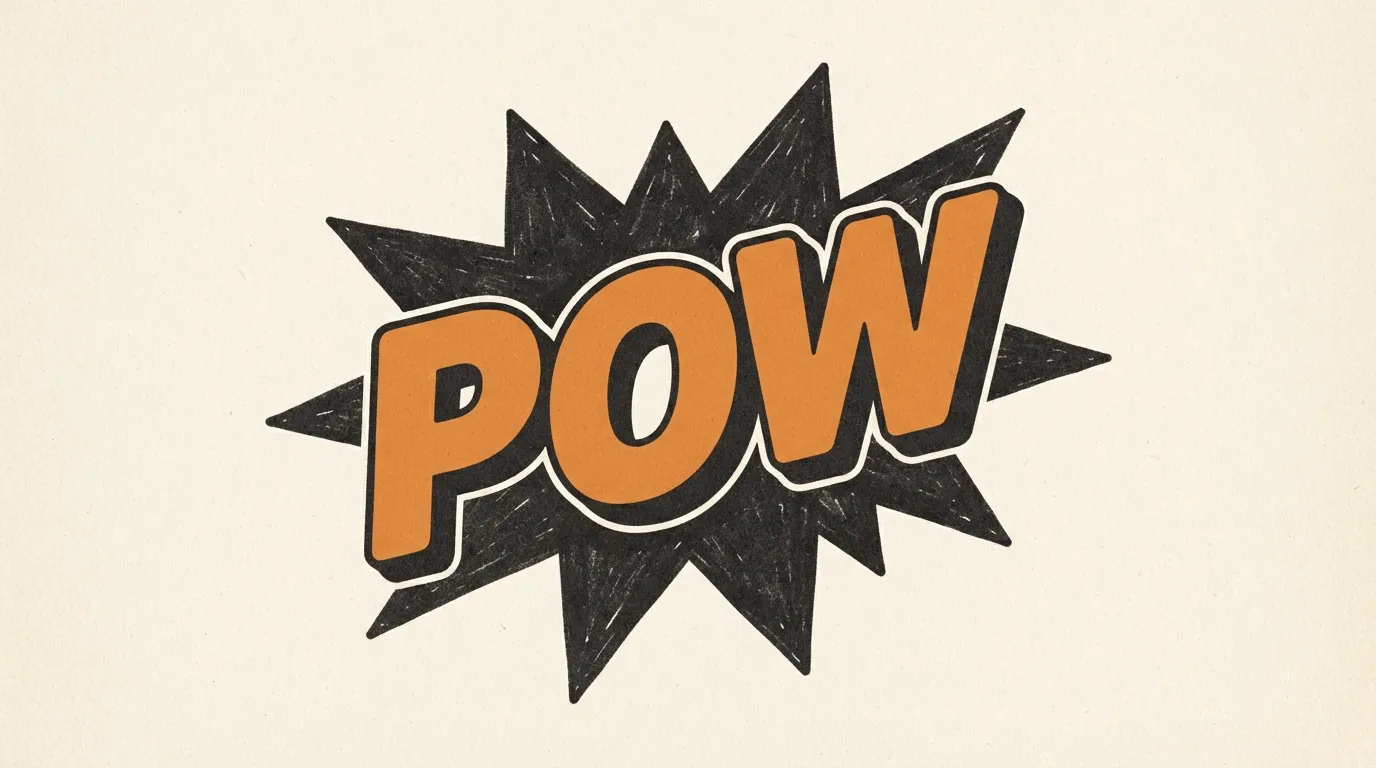
Sound effects belong to the artwork. They get scaled up, rotated, curved, outlined and tucked behind characters, so they need letters with a heavy shape that survives those changes. The ideal is a single bold word you can stretch across half a panel.
Rubik Bubbles pushes the bubble-letter idea to an extreme, with thick strokes that swell into each other. The page tells you to use it big, which suits an impact word. It has 1 style. Bubblegum Sans is a single bold weight that the page says is built to be seen, not read in paragraphs, so reserve it for one or two words at a time.
Bangers is also listed in the Display category with 1 style and commercial use marked as allowed. Its page gives no description beyond the licence, so open it and look at the preview text yourself before you decide whether it fits your art.
Give sound effects room to breathe. Overlapping a word with the action, an outline in a contrasting color or a hard offset shadow helps it stand out without a second font. Our guide to outline, 3D and shadow font effects walks through those tricks, and the article on graffiti and bold lettering fonts covers heavier styles if you want a rougher look.
Title and logo lettering for comics and zines
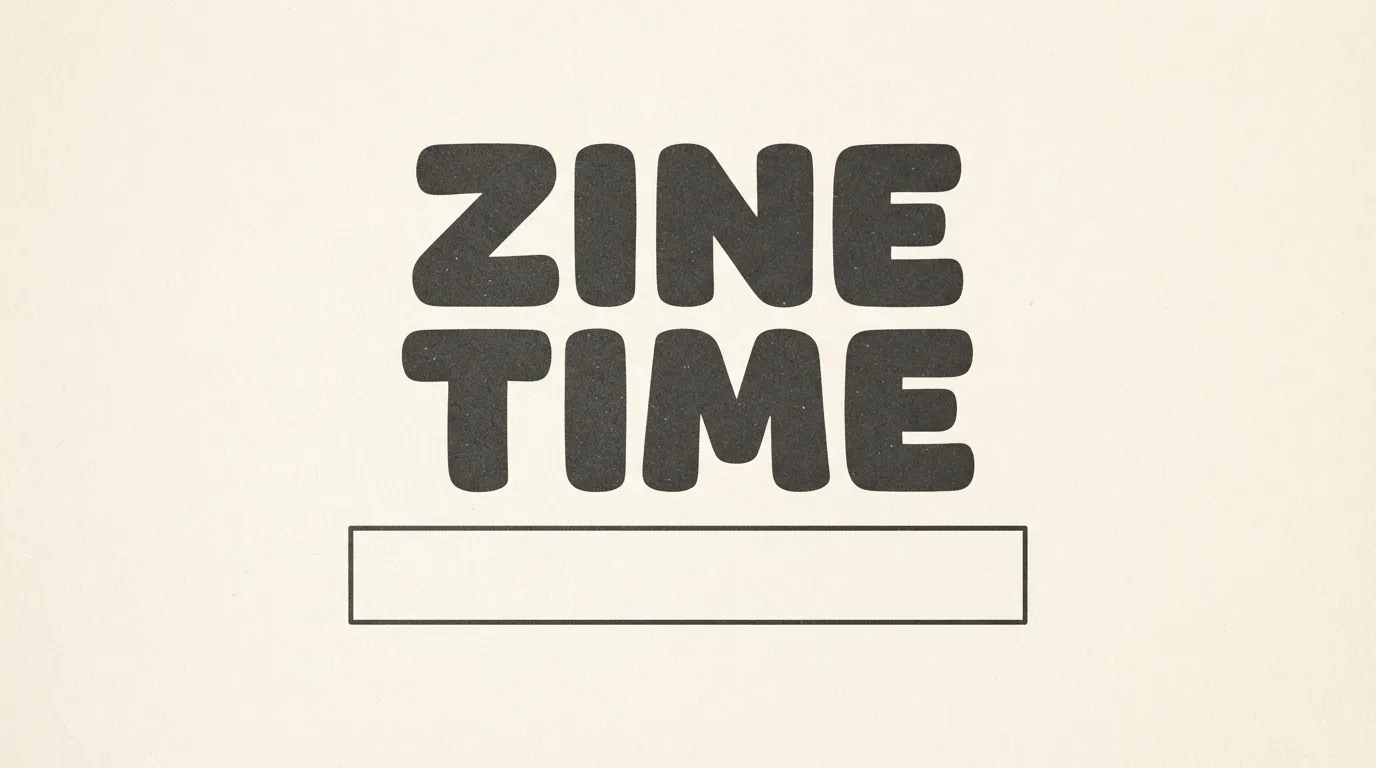
A title has one job: tell the reader what the thing is in a second. Zine covers, webcomic banners and issue numbers can be as loud as you like, because they are short. A title of one to three words can carry a bold, wide or irregular font that would be tiring in a paragraph.
Baloo 2 has 4 weights, from Regular to Bold, and the page describes a smooth, contemporary bubble face that stays on the right side of cartoonish. That makes it a sensible title font for a friendly or kid-focused zine, and a Bold title can pair with a Regular subtitle from the same family. Sniglet works here too, with its heavier weight for punchy headlines.
For a rougher, hand-made cover, Funtype is described as a hand-lettered font for short messages, made as a reply to criticism of Comic Sans, with a relaxed, friendly look. It has 1 style, so it works best for a few words, such as a title or an issue number, rather than a whole cover.
Pair your title with the dialogue font from the earlier sections instead of adding another. A zine cover with a loud title, a plain subtitle and one accent color looks more deliberate than one with four lettering styles. For more headline ideas, see our guide to poster fonts.
Cartoon fonts for kids and playful design
Cartoon fonts do not have to live inside a comic. The same rounded, friendly shapes show up in kids’ books, classroom handouts, party invitations and playful logos. The difference is the reader. Young readers need clear letters and generous spacing, and the fanciest bubble font is not always the best fit.
Delius suits this job, since the page describes it as closer to a child’s careful printing and a natural fit for children’s books and early-learning materials. Bubblegum Sans is described for party invitations and children’s book covers, but as a bold display face rather than a reading font. Baloo 2 is listed for logos, app icons and kids’ product packaging.
Rounded display fonts need a calm partner. Set the headline in the bubbly face and the paragraph in something quieter and more even, such as a plain rounded or handwriting font. If you want more bubble-style options, our guides to cute, girly and bubble alphabet styles and bubble letters for crafts, posters and journals go deeper.
I would not set a full page of text in a puffy display font. It looks fun for three words and tires the reader by the third line. The catalog’s own notes for these fonts point the same way, with large sizes and short messages.

Spacing, balloons and line breaks
How you set the text inside the balloon matters more than which font you picked, and these habits work with any font in this article.
Center the text in the bubble and keep clear space between the letters and the bubble edge, so nothing touches the outline. Break lines at natural pauses, and aim for short, roughly equal lines that make a soft oval or rectangle shape, with no single stranded word on the last line. Keep line spacing slightly open so descenders do not collide with the next line, and keep letter spacing even. Do not shrink the font to rescue a long line. Cut words instead, since comic dialogue is meant to be brief. If a balloon holds more than a couple of short sentences, split it into two balloons.
Use one font size for ordinary speech across the whole story, and change size only for emphasis, shouting or whispering. A bolder or larger word inside a line signals stress. With a one-style font such as Delius or Patrick Hand, you can fake this with a heavier font for that word, though matching the stroke thickness takes some care. Our font size guide for print helps you test sizes for a printed page.

Licensing for comics you sell
If you sell a comic or zine, the font is part of a commercial product. Every font linked in this article is listed on FontCue with the SIL Open Font License 1.1 and commercial use marked as allowed on its catalog page. Open the page of each one you use and read the licence file for the exact terms. This is not legal advice.
The font licence covers the font, not the rest of your book. Your artwork, characters and any stock or reference images have their own terms. A font that imitates a famous publisher’s lettering is also a risk worth avoiding: choose lettering because it suits your story, and do not present it as the style of any particular comic, character or brand.
Download fonts from a source that shows the licence, and keep a copy of the licence file in your project folder. If you plan to embed fonts in a PDF or an ebook, or to put one on merchandise, read the licence text for that use before you publish. Our article on free fonts and commercial use lists what to check on any font page.
Picking comic fonts for your next page
Choose by job. Set dialogue in a rounded, even font such as Comic Neue or Delius and test it at the size your readers will actually see. Pick one loud display face, such as Rubik Bubbles, for sound effects, and a title font from the same set, such as Baloo 2 or Funtype, so the cover and the pages feel related. Stop at three fonts. Then check the spacing: centered text, even lines and clear space inside every balloon. Before you sell the finished comic, open each font page and confirm the licence. Download a couple of fonts from the display category, letter one page in each, and keep the one that still reads when you shrink the page to phone size.
Pick a rounded, open font with an even weight that still reads at the size it prints, such as Comic Neue, which its catalog page recommends for speech bubbles. Avoid anything with heavy texture, tight spacing or a very wide stance, because the text has to fit a small balloon and be read quickly, panel after panel.
Technically yes, but many readers associate it with office notices rather than comics. Fonts rebuilt for the job, such as Comic Neue, keep the informal look and fix proportions and spacing. Whatever you choose, check the licence of the exact file you use, since terms differ between fonts.
Free fonts with a comic or hand-lettered feel exist in the catalog, but a font alone does not make a page read as manga. Layout, balloon shape and sound effects do much of that work. Browse the handwriting and display categories, and check each font page for its licence and commercial-use status.
Yes, usually. Speech needs a calm, readable face, while sound effects want a loud, heavy or irregular one that you can scale, rotate and outline. Using one font for both flattens the page. Keep the dialogue font consistent and treat sound effects as part of the artwork.