Choosing a font color on black background feels like a matter of taste until you view the result on a phone in daylight, and then it turns into a matter of measurement. A palette can look rich on a calibrated monitor and still collapse into a single gray slab once the screen dims, the sun hits the glass or the file is shrunk to a thumbnail. My own habit is to judge a color pair in grayscale first and decide whether I like it second. Plenty of pretty combinations do not survive that test. Readability comes down to the difference in lightness between the letters and whatever sits behind them, plus a few choices about weight and size that make that difference easier to see. This guide covers the contrast ratios that accessibility standards use, the text colors that hold up on black, white and cream, and what to do when your text sits on top of a photograph. It also includes a five-step test you can run on any design in a couple of minutes, and a free checklist you can keep next to your editor. Color symbolism gets a short, honest section near the end, because it matters far less than most font articles suggest.
Affiliate Disclosure: If you buy through links on our site, we may earn a small affiliate commission to help support the blog – at no extra cost to you. It never influences our product selection process. Thank you!
- Font Color and Contrast: What Reads on Dark, Light and Busy Backgrounds
- Why contrast matters more than color choice
- Contrast ratios in plain numbers
- Text colors that work on black
- Text colors that work on white and cream
- Text over photos: overlays, shadows, outlines
- Test your contrast in five steps
- What color suggests
- FAQ
- Choosing your text colors
Get the Text Contrast Checklist — free download.
Download ChecklistWhy contrast matters more than color choice
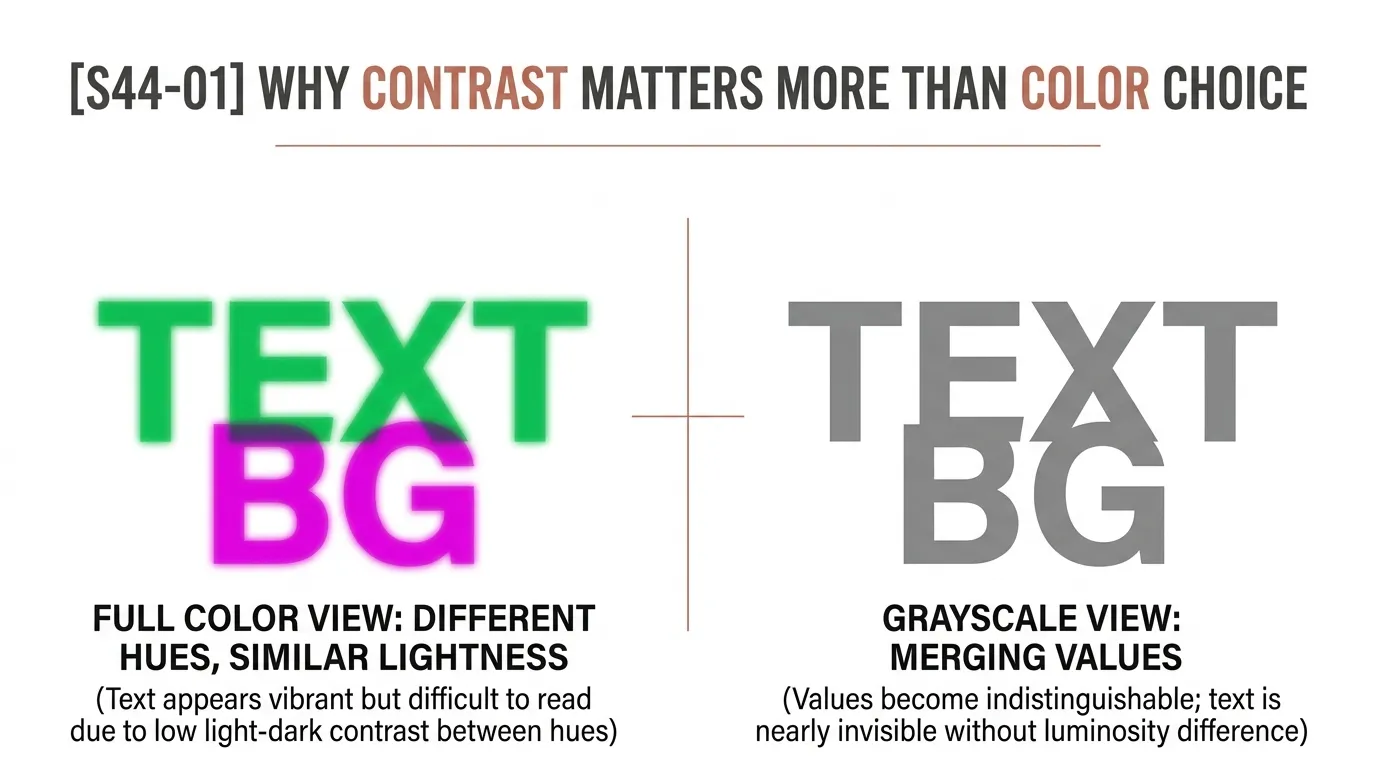
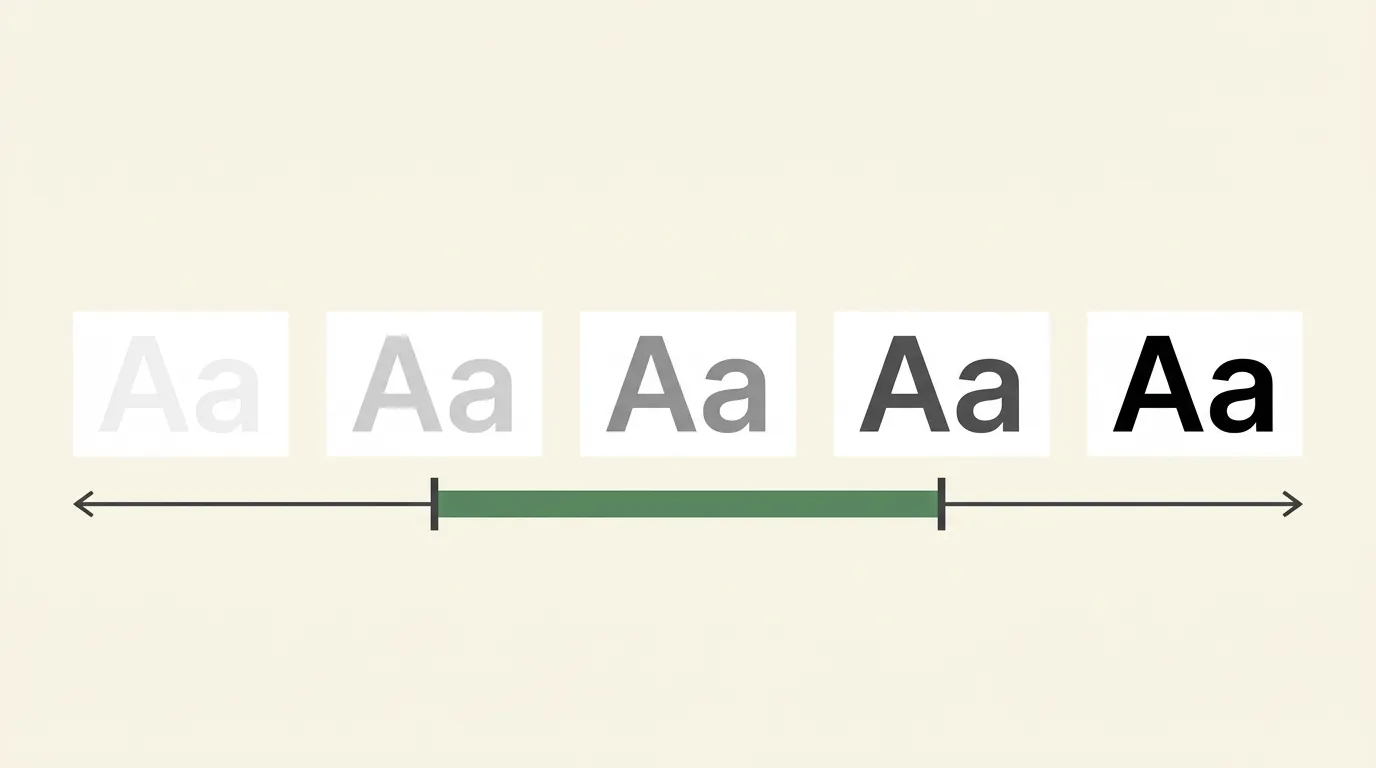
Your eye separates letters from a background mostly by lightness, not by hue. Red text on a green background is the classic failure: the two colors can look wildly different in hue and still sit at almost the same lightness, so the edges of the letters shimmer and blur. A pale gray on a slightly paler gray looks calm in a mockup and unreadable in real life.
That is why a designer can swap a headline from teal to coral and barely change how readable it is, while changing the same headline from dark teal to light teal on a white page changes everything. Lightness does the reading, and hue sets the mood.
Low contrast looks worse in the real world than on your desk, for three reasons. Screens at low brightness flatten pale colors. Glare and outdoor light wash out mid-tones. And plenty of readers have reduced contrast sensitivity, whether from age, eye conditions or just tired eyes at midnight. Designing for the weakest of those situations means everyone else gets an easier read.
Contrast ratios in plain numbers
Contrast ratio is a single number that compares the brightness of two colors. The scale runs from 1:1, where the colors are identical, to 21:1, which is pure black against pure white. The W3C’s Web Content Accessibility Guidelines (WCAG 2.2) set the benchmark most designers and legal standards point to, and the minimum level (AA) asks for two numbers:
- At least 4.5:1 for regular text.
- At least 3:1 for large text.
WCAG defines large text as at least 18 point, or at least 14 point if it is bold. In screen terms that is roughly 24 pixels, or about 18.5 pixels bold. A stricter enhanced level (AAA) raises the bars to 7:1 for regular text and 4.5:1 for large text.
Some things are exempt. Text that is part of a logo or brand name has no contrast requirement, and neither does purely decorative text. A poster headline is not decorative just because it is big, though, so apply the numbers to anything a person is expected to read.
You do not need to calculate any of this by hand. Free contrast checkers take two hex codes and return the ratio. Treat the numbers as a floor. A 4.5:1 pair is acceptable for a paragraph on a website, but on a printed flyer read from three feet away, or a small caption on a phone, more contrast is almost always kinder.
Text colors that work on black
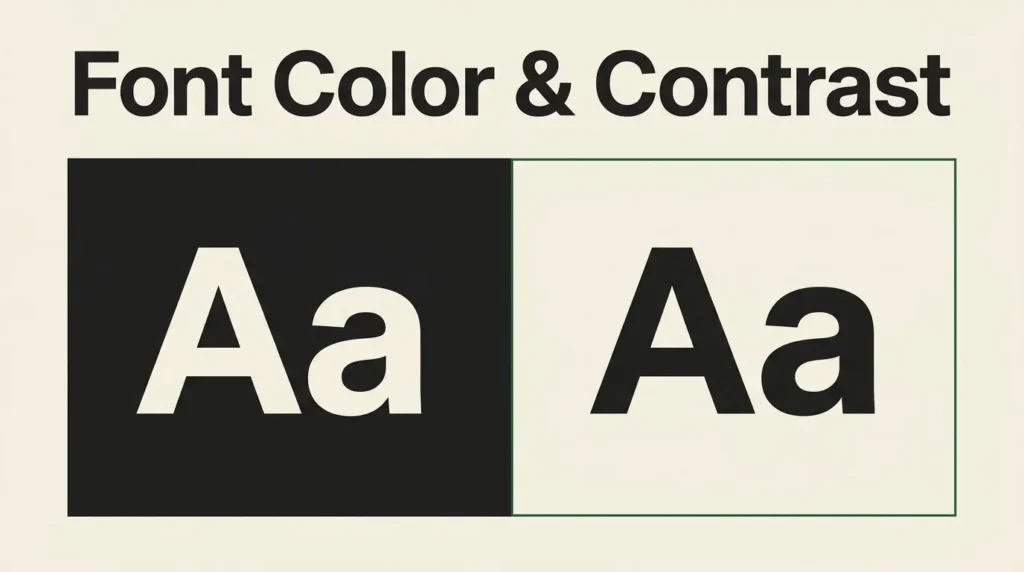
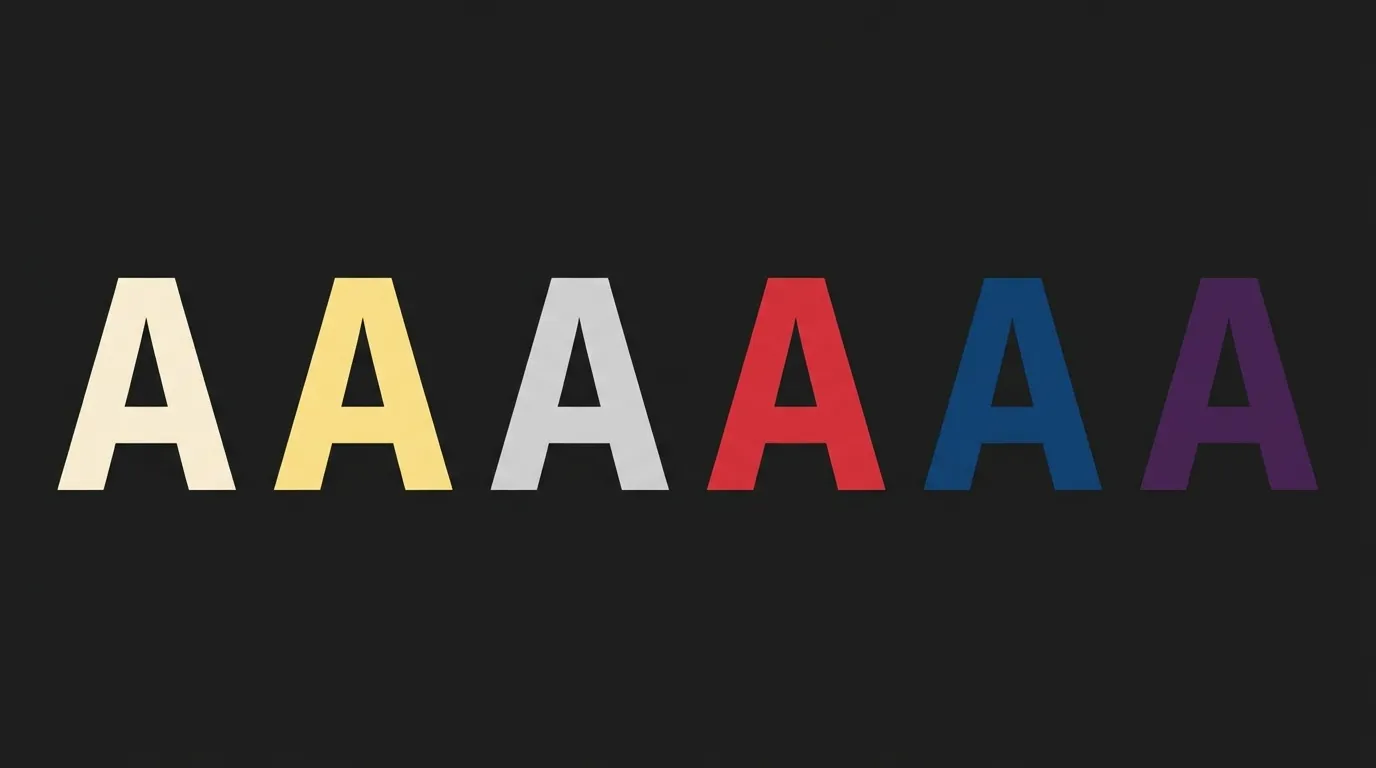
Black backgrounds make nearly every light color look bright, which is both the appeal and the trap. Pure white on pure black gives the maximum 21:1, so it passes everything, but it can feel glaring in long passages. Many designers soften it with an off-white or a warm cream. Cream such as #F2EFE7 on a near-black like #121212 still measures about 16:1, far above any threshold, and it reads more gently.
Accent colors need more care. A warm yellow such as #FFD54F on pure black measures about 14.9:1, so it works even at small sizes. Mid-tone gray behaves differently: #808080 on black comes in around 5.3:1, which passes for body text but leaves little margin once a screen is dimmed. Saturated red (#FF0000) on black sits near 5.3:1 and can look harsh at the edges of thin letters. Pure blue (#0000FF) on black measures only about 2.4:1 and fails even the large-text threshold. Fine hairlines are also easy to lose on a dark field, so a slightly heavier weight often helps more than a new color.
The pattern is simple. On black, lighter and warmer colors hold up, while deep blues, purples and dark reds sink. If you want a color font on black for a headline, choose a bright tint of that hue instead of the fully saturated version, then measure it.
Text colors that work on white and cream
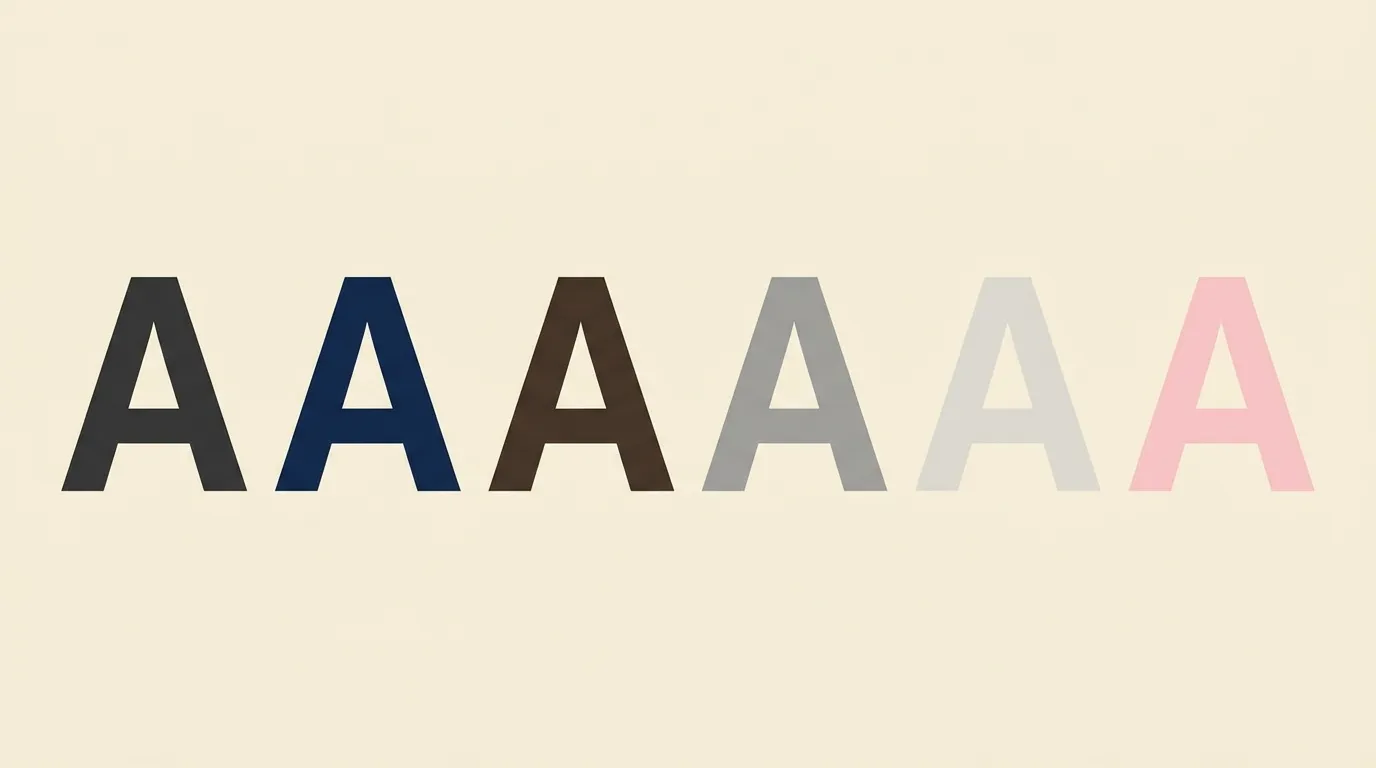
Dark text on a light page is the default for a reason: it gives the widest range of workable colors. Charcoal such as #2B2B28 on warm cream #F4F1EA measures roughly 12.6:1, comfortably readable and softer than pure black on pure white. A soft warm gray like #6B665C on that same cream measures about 5.1:1, enough for secondary text.
The common failure is the pale gray caption. Light gray on white feels elegant in a design file, but #BDBDBD on white measures only about 1.9:1 and #E6E6E6 on white about 1.25:1, which is close to invisible. The darkest gray that passes the regular-text minimum on pure white sits around #767676, at roughly 4.5:1. Go darker for anything small.
Colored text needs the same discipline. Pure red (#FF0000) on white measures only about 4.0:1, which falls short of the regular-text minimum. A deeper red passes easily. Pastel text on white almost never works for body copy. Save pastels for backgrounds and shapes, and pair them with dark text.
Text over photos: overlays, shadows, outlines
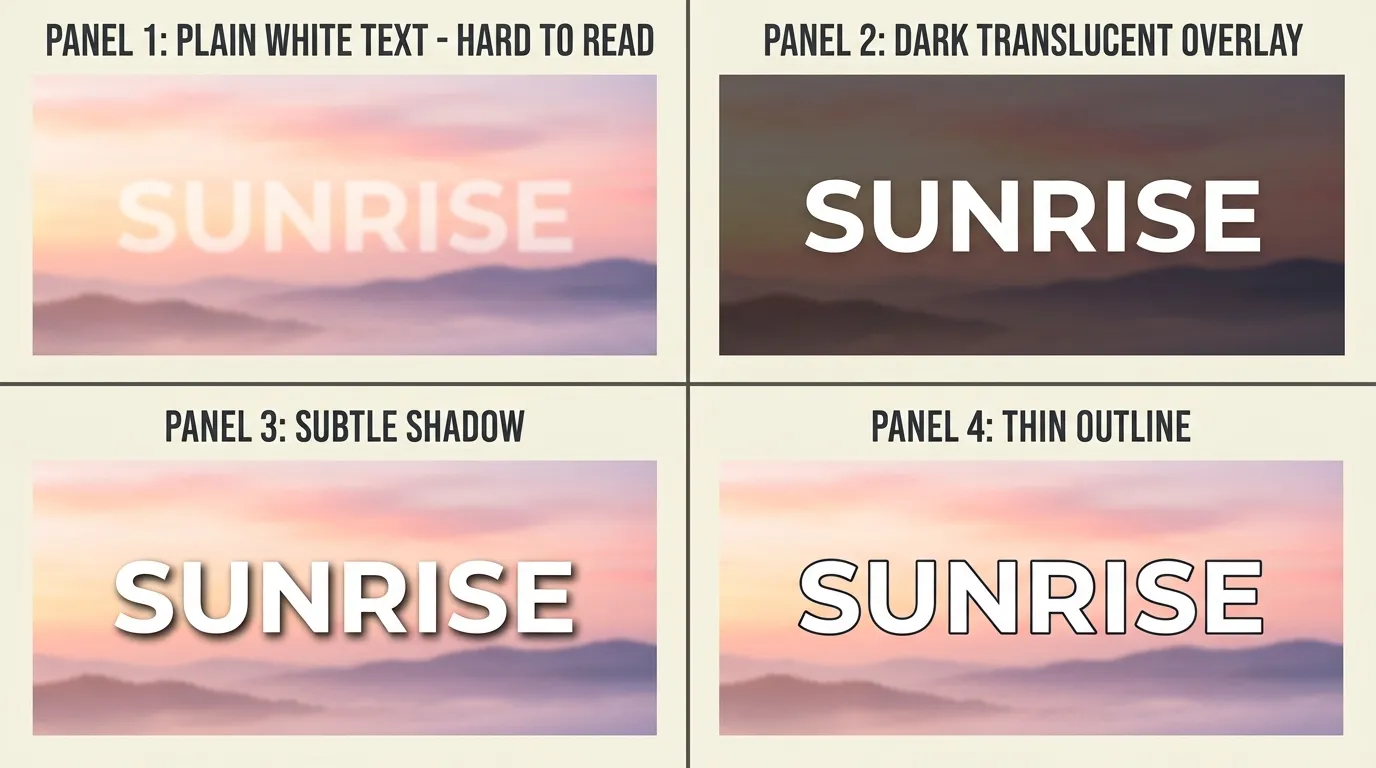
A photo is the hardest background because its brightness changes from one pixel to the next. A word can have plenty of contrast over a dark corner and vanish over a bright cloud two letters later. The same WCAG thresholds apply to text placed over an image, and you measure against the worst part of the background behind the letters, not the average.
You have four reliable fixes, and they combine well.
An overlay is a semi-transparent dark (or light) layer between the photo and the text. It flattens the brightness range so one text color works everywhere. Start around 30 to 50 percent opacity and adjust until the lightest area of the photo behind the words still gives enough contrast.
A soft shadow behind the letters adds a local dark halo. Keep it subtle, a wide blur at low opacity, so it reads as depth rather than a smudge. A hard outline, or stroke, separates the letters from any background and is the better choice for bold display text. Our guide to outline, 3D and shadow font effects covers stroke width and offset settings. For headline fonts at poster scale, see our poster fonts guide, and for how size and weight team up with contrast, our font pairing and hierarchy guide.
The fourth fix is placement. Put the text on the calmest part of the picture, such as sky, a blurred background or a dark wall, rather than fighting a busy area. Crop or reposition the photo before reaching for effects.
Test your contrast in five steps
This test works for a website banner, a Canva graphic, a printed flyer or a pin. It takes a few minutes and catches most problems before anyone else sees them. If you are printing, our print font size guide pairs well with it.
Run any text and background pair through these five checks before you publish or print it.
- Pick the real colors
Write down the exact hex codes of the text and the background. For text over a photo, sample the lightest and the darkest spot behind the letters rather than the average.
- Measure the ratio
Enter both hex codes into a contrast checker built on the WCAG formula. Note the ratio it returns, from 1:1 (identical colors) up to 21:1 (black on white).
- Compare against the target
Body text needs at least 4.5:1. Large text, which WCAG defines as 18 point or larger, or 14 point bold or larger, needs at least 3:1. If the pair falls short, change the color before changing anything else.
- Check it small and in grayscale
Shrink the design to phone-thumbnail size and switch it to grayscale. If the words still separate from the background, the lightness difference is doing its job.
- Fix and retest
Darken or lighten the text, add an overlay or a stroke behind it, or increase the weight. Then measure again, because a fix that was not re-measured is only a guess.
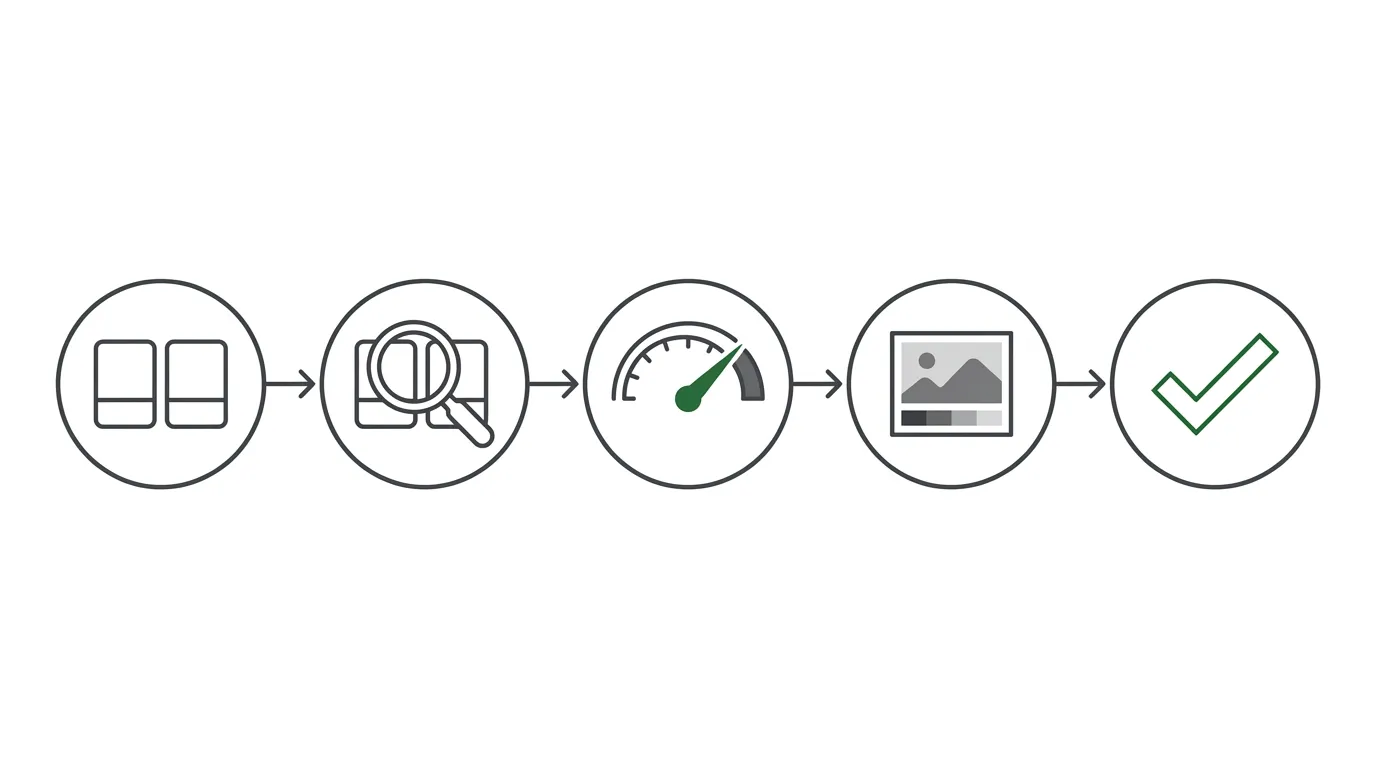
When a pair fails, change lightness first. People often try a new font or a new hue when the real problem is that the text and the background are too close in brightness. If you are working in Canva, the same logic applies to every text box, so check the lightest background the text will ever sit on, not just the one on screen right now.
What color suggests
Colors carry associations, but the evidence for a fixed emotional meaning is thin. Red does not make a reader act faster, and blue does not make a brand trustworthy by itself. Meanings shift with culture, context and the product next to the color. Treat any chart that says a given color “makes people feel” something as a loose convention, not a rule.
What you can say with some confidence is smaller and more useful. Warm colors tend to feel energetic and cool colors tend to feel calm in Western design conventions. Dark backgrounds with light text often read as dramatic or premium, and light backgrounds with dark text read as open and practical. These are habits of the genre, and you can break them on purpose.
My advice is to let the content and the audience pick the palette, then let contrast numbers decide whether that palette is allowed on the page. A mood color that fails the readability test is decoration. Use it for shapes, borders and icons, and keep your text in a color that passes.
FAQ
Off-white or warm cream is the most reliable choice, since it reads clearly without the glare of pure white. Bright tints such as soft yellow also work. Avoid deep blues, purples and dark reds, which can fall below the 3:1 minimum for large text. Whatever you pick, measure the pair and aim for at least 4.5:1.
WCAG 2.2 level AA asks for at least 4.5:1 for regular text and 3:1 for large text, meaning 18 point or larger, or 14 point bold or larger. The enhanced level AAA asks for 7:1 and 4.5:1. Logos and purely decorative text are exempt from the requirement.
Combine fixes. Place the text on a calm area, add a 30 to 50 percent dark overlay, use a bold font, and add a subtle shadow or stroke if bright patches remain. Then check the contrast against the lightest part of the image behind the letters, not the average tone.
It passes every contrast threshold at 21:1, so it is technically fine. Many designers still prefer an off-white for long passages, because the extreme brightness can feel harsh on screen. For short headlines and labels, pure white on black is a strong, clear choice.
Choosing your text colors
Readable type starts with lightness. Decide whether the text is light on dark or dark on light, measure the pair, and only then enjoy the hue. Keep regular text at 4.5:1 or above, give large text at least 3:1, and aim higher whenever the text will be small, printed or viewed outdoors.
A font color on black background works best when it is a warm off-white or a bright tint rather than a saturated dark hue. On white and cream, charcoal and deep tones win, and pale gray stays out of captions. Over photos, flatten the background with an overlay, pick a bold font and use a stroke or shadow only as backup.
Run the five-step test on your next design and keep the checklist nearby. Once you have a few trusted pairs, you can stop guessing about readability and spend the time on choices that really are subjective.