If you want resume fonts that pass the skim test, start from how a resume is actually read: quickly, often on a laptop or phone, sometimes printed, and usually next to a pile of others. A hiring manager gives the page a short first look before reading a sentence, so the type has to make the structure obvious. I would rather see a plain, well-spaced sans-serif with a clear name line than a clever script that makes the reader work. On a lot of CVs the font is the loudest thing on the page, and the experience underneath never gets a fair read. A quiet typeface leaves the attention where you want it: on your name, your latest role and the results you list. Below are free sans-serif and serif picks from the FontCue catalog, sizes and spacing, a heading hierarchy, the styles to leave alone, and the file-format question, kept to what is widely documented. Every font named here is a real catalog listing, and licence, style counts and descriptions come from those pages. I make no promise that any font gets a resume past an applicant tracking system, because readability is the only thing a font can offer.
Affiliate Disclosure: If you buy through links on our site, we may earn a small affiliate commission to help support the blog – at no extra cost to you. It never influences our product selection process. Thank you!
- Resume and CV Fonts: Readable, Professional Choices That Pass the Skim Test
- What a resume font has to do
- Sans serif resume fonts
- Serif resume fonts
- Font size, line height and margins for a resume
- Headings, name and contact line: building hierarchy
- Fonts to avoid on a resume and why
- File format and applicant tracking systems
- FAQ
- Choosing resume fonts and moving on
Get the Free Sans Serif Fonts — free download.
Download FontsWhat a resume font has to do
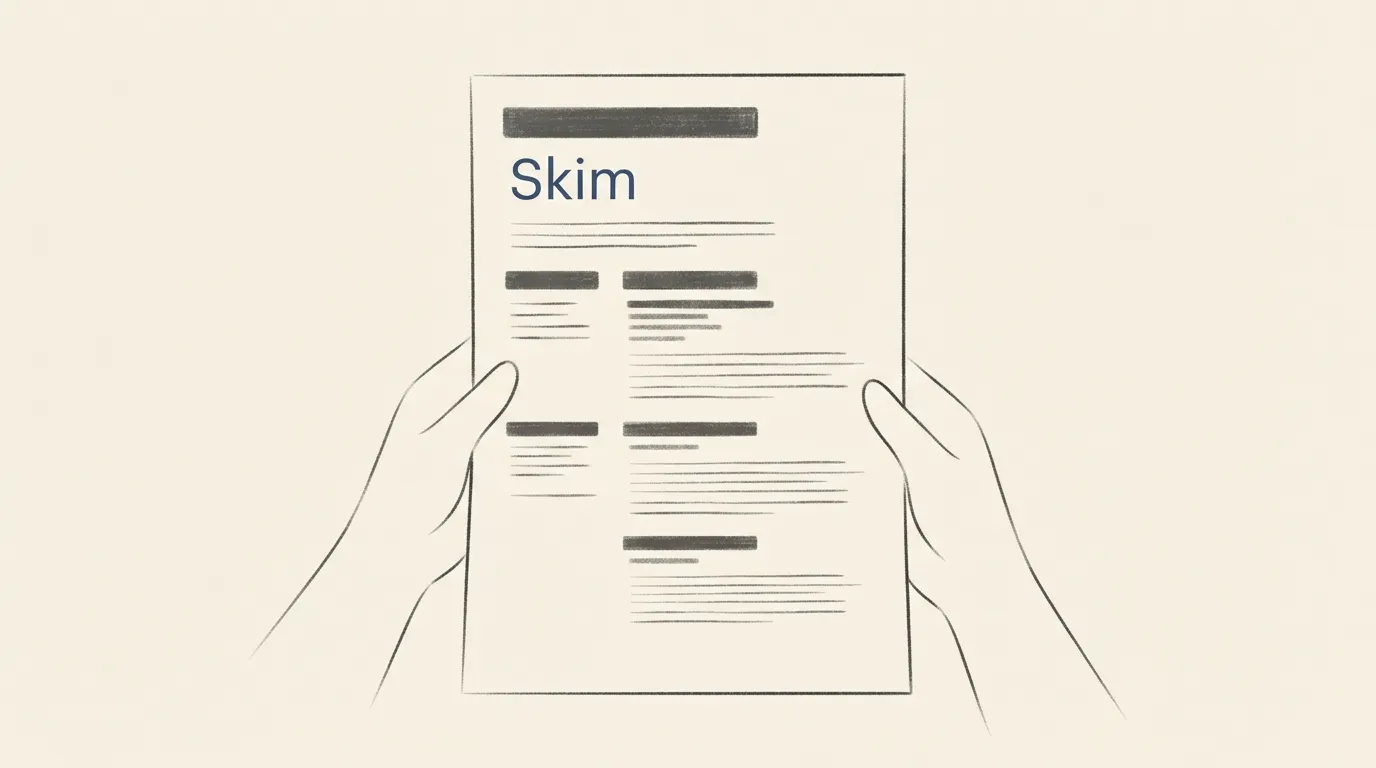
A resume font has three jobs: survive a skim, survive a printer and survive a different screen. The skim comes first. The reader looks for your name, your last two roles and a few keywords, so the type has to separate those from everything else with size and weight alone, not with decoration.
Print is the second test. Hairline strokes and tiny sizes that look fine on a bright monitor can turn faint on paper, especially after a copier. Open letterforms and a medium weight hold up better. The third test is the screen the reader uses: the same file may be opened on a phone, a small laptop or a large monitor, so the text should stay clear when zoomed out.
Three traits help. A generous x-height, the height of lowercase letters like x and a, keeps small text open. Clear differences between similar shapes, such as capital I, lowercase l and the number 1, prevent misreads in dates and numbers. And a bold weight that is visibly bolder than regular lets you mark headings without changing fonts.
Pick one family and stay inside it. A resume rarely needs two typefaces, and a second one is the first thing that makes a page look busy. If you want to see how hierarchy works inside a single family, our guide to font pairing and hierarchy explains it.
Sans serif resume fonts
Sans-serif fonts are the usual choice for a resume because they look clean on screen and stay legible at small sizes. These free ones are listed on FontCue under the SIL Open Font License 1.1, with commercial use marked as allowed on their pages.
Orkney is described on its catalog page as a geometric typeface designed for clarity and legibility by Samuel Oakes. The page calls it friendly and open, with a consistent rhythm that works for headings and body text, and lists 6 styles. That makes it a sensible single-family choice for a whole resume.
Inter is a variable sans-serif designed for computer screens, with a tall x-height for legibility at small sizes. Its page lists 4 styles. A resume is mostly read on screens, so a screen-first design is a natural fit.
Atkinson Hyperlegible has 4 styles, and its page credits the Braille Institute among its designers. Its name signals the goal, and I would try it when the reader’s comfort matters more than personality. Check the font page for anything beyond the licence and style count.
Geist is a clean, Swiss-inspired sans-serif that its page says stays crisp at small sizes, with 6 styles. Cooper Hewitt has a warm, slightly industrial character and 6 styles, so it suits a designer’s resume that wants a little voice. For more sans-serif options with their own detail pages, see our guide to modern sans-serif fonts and the list of fonts for websites and UI.
Serif resume fonts
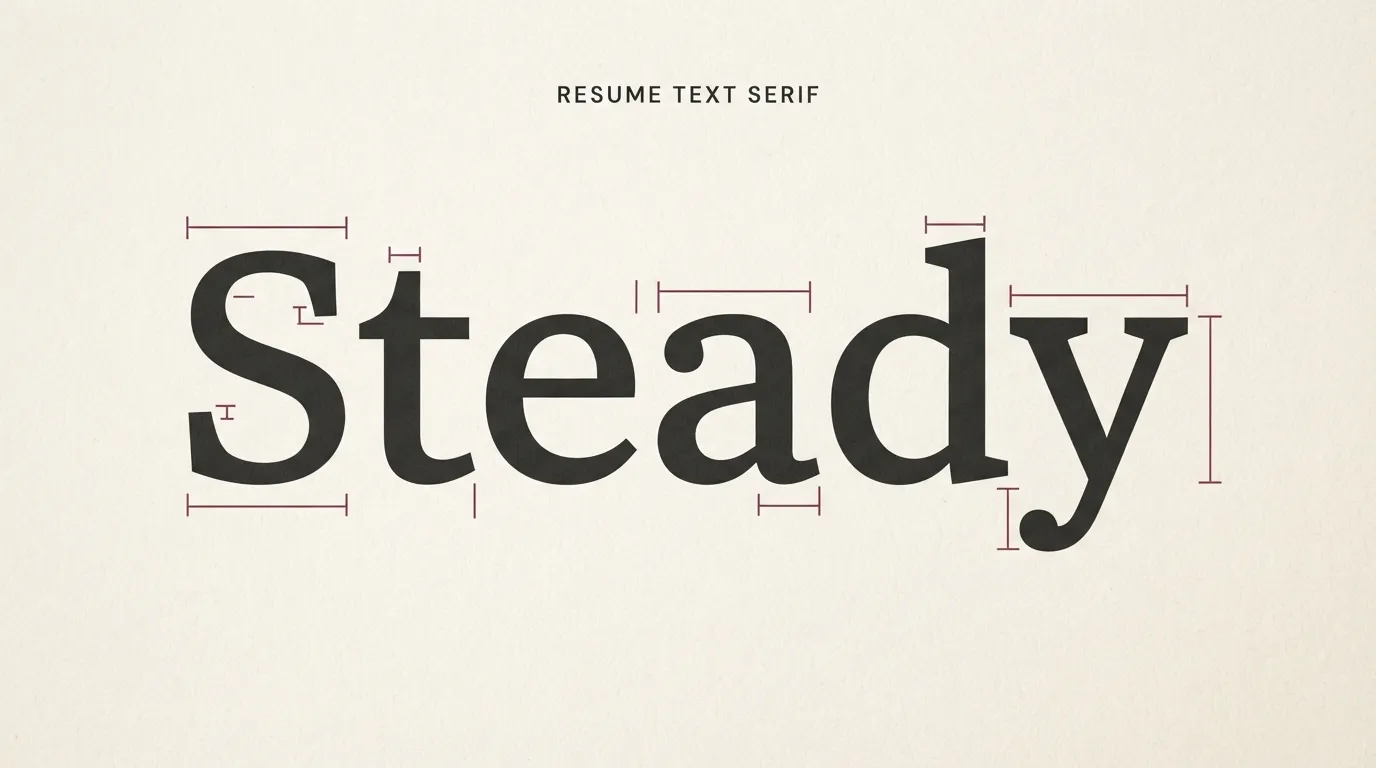
A serif works well when your field leans traditional, such as law, academia, publishing or finance, or when you expect the page to be printed. The small strokes at the ends of letters guide the eye along a line, and a sturdy text serif reads comfortably in paragraphs of bullets.
Libertinus Serif is a maintained fork of Linux Libertine, described on its page as an elegant text serif with wide language coverage that suits books, academic papers and long-form reading. It has 4 styles. Linux Libertine is a proportional text serif created as a free alternative to Times New Roman, with real small caps and ligatures, and its page says it is widely used for books and academic typesetting. It also lists 4 styles.
If you want a serif with more contrast for your name, Playfair Display is a transitional serif with high contrast, and its page calls it well suited for headlines and display text. It lists 4 styles. I would use it for the name line only and set everything else in a text face, because high-contrast thin strokes get weak at body size, especially in print.
If you want a sans-serif and a serif together, Libertinus Sans is the humanist companion to Libertinus Serif and the page says it works for captions, headings and UI text beside the serif. It has 3 styles. Our guide to serif fonts for branding goes deeper on how serif personalities differ. For a CV, the safest rule is one family, two weights.
Font size, line height and margins for a resume
The numbers below are common guidance, not rules, and different fonts look bigger or smaller at the same point size. Print the page or view it at 100 percent zoom and judge the result with your own eyes.
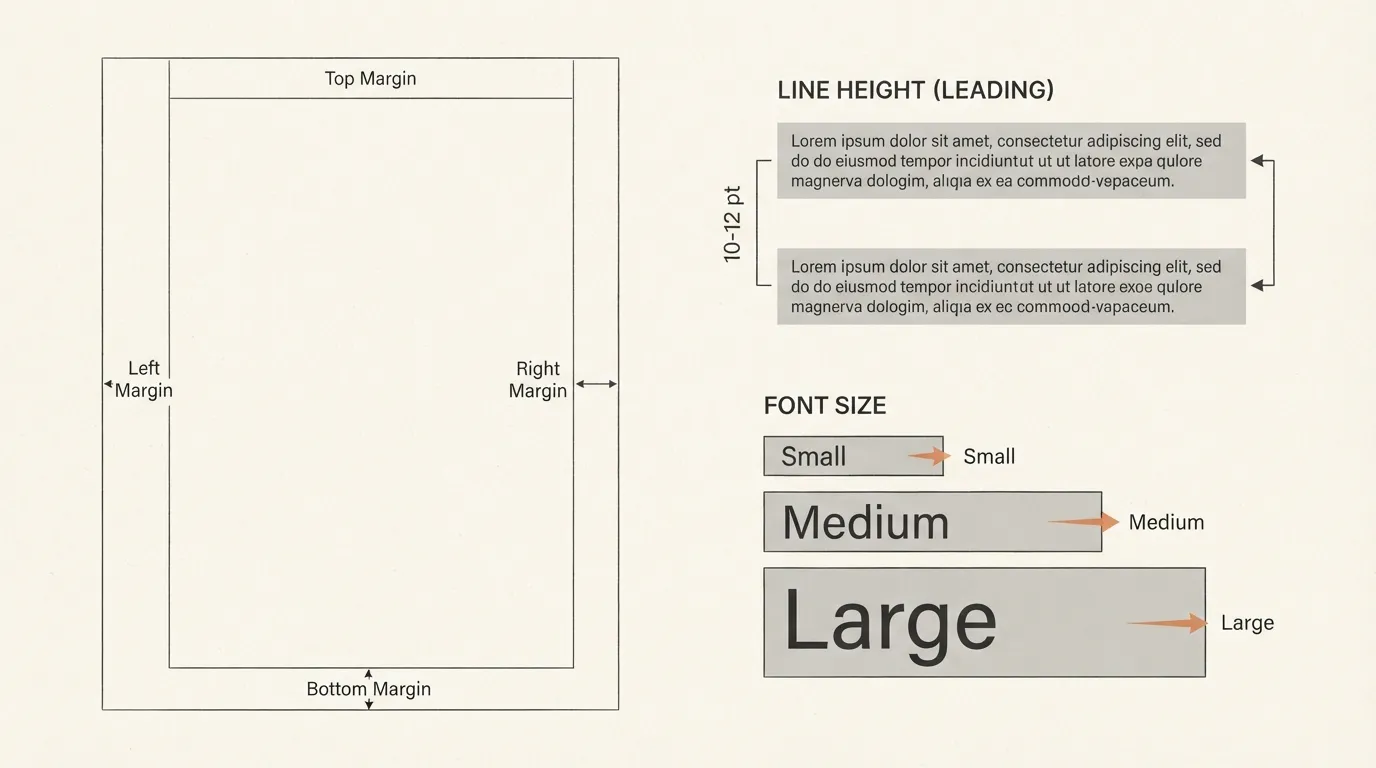
Body text usually lands between 10 and 12 points. Below 10 it gets hard to read in print, and above 12 you lose space. Section headings are normally a step larger or set in bold capitals at the body size. Your name is the biggest thing on the page, often somewhere around 18 to 24 points.
Line height, also called leading, is the distance between lines. Set it slightly above the font size, in the range of about 1.15 to 1.3 times, so lines of bullets stay separate without wasting space. Tight lines make a page look dense and loose lines make it look short.
Margins around 0.5 to 1 inch are typical. Narrower margins can work when you need space, but test a print, because some printers cut off edges. Keep left alignment for body text. Justified text can open uneven gaps between words in short lines.
If the page runs over, do not shrink the font first. Remove the oldest or weakest bullets, merge similar roles and trim wording. A resume at 11 points with fewer lines reads better than one at 9 points with more. The same logic applies to other printed pages, as covered in our font size guide for print, posters and t-shirts.
Headings, name and contact line: building hierarchy
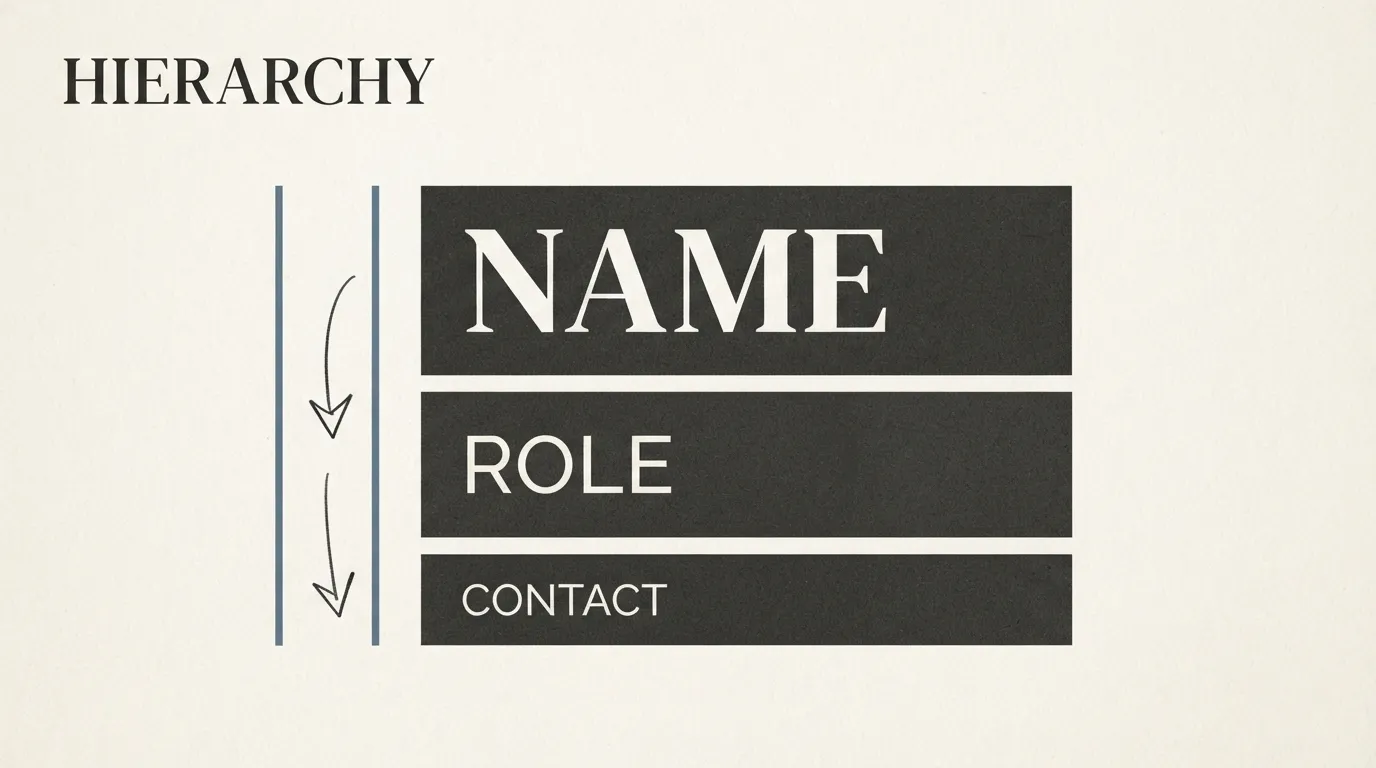
A resume needs three levels so the reader can find things without reading everything: your name, the section headings and the body.
The name goes first and largest. Set it in the bold weight of your family, or in a display serif such as Playfair Display if you pair two fonts. Put your job title or target role under it in regular weight at a smaller size, so the reader knows what you are applying for before they see a single bullet.
The contact line comes next. Keep it small, on one or two lines, with email, phone, city and a profile link if you have one. Separate items with spacing or a simple divider, and make sure the email and phone are in regular weight so they are easy to read and copy. Do not put your contact details in a header that might be dropped when the file is converted, and check them after you export.
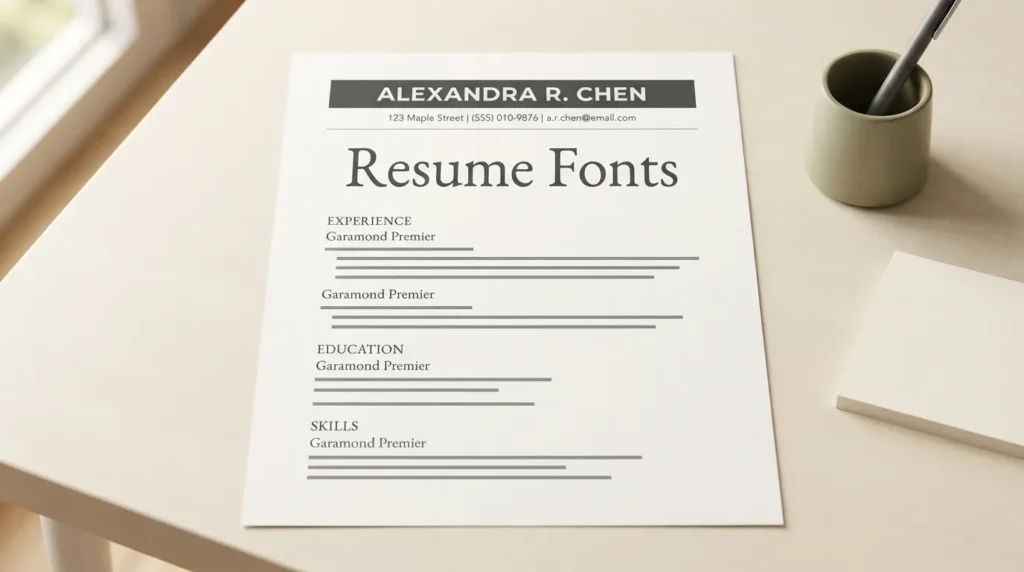
Section headings such as Experience, Education and Skills need to stand out from the body. Use bold, or small capitals with a little extra letter spacing, in the same family. Add space above a heading and less below it, so each heading visibly belongs to the text that follows it.
Inside a section, bold the job title or employer and leave the rest regular. Dates align best at the right edge. Skip italics for long lines, since they slow reading. For a deeper view of how scale and weight steer the eye, see our article on pairing and hierarchy.
Fonts to avoid on a resume and why
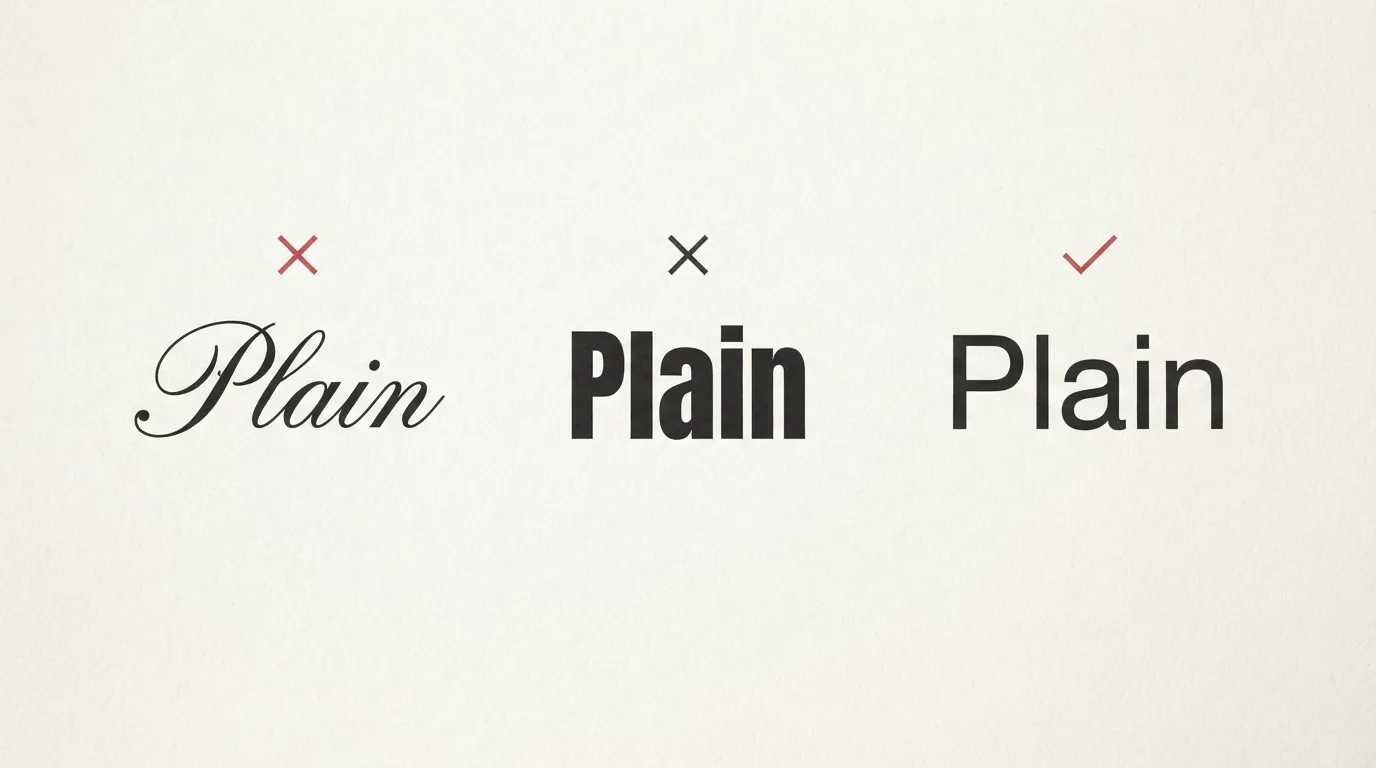
Avoid anything that makes the reader slow down on the letters instead of the content. Script and handwriting styles are the first to go: they are harder to read at small sizes and can look casual in a field that expects formality. Catalog examples are Pacifico, which its page describes as a flowing script originally inspired by 1950s American surf culture, and playful display faces made for posters.
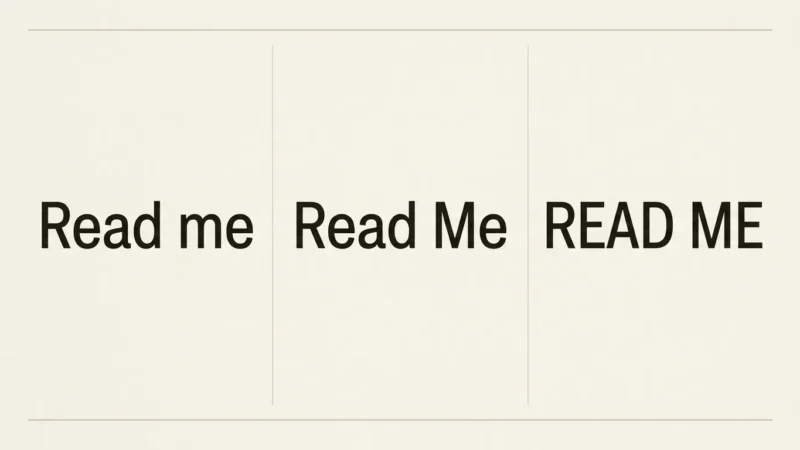
All-caps display fonts are the next problem. Bebas Neue is described on its page as a condensed, all-caps display sans-serif, and that is exactly why it works for a poster title and tires the eye in a bulleted list. Keep a font like that out of body text, and use capitals sparingly, even for headings.
Ultra-thin weights, such as thin or hairline cuts, look elegant in a design tool and fade in print. If a font family includes a Thin style, use Regular for the body. Heavy black weights fill in and look shouty.
A few smaller habits also hurt. Mixing more than two fonts looks unplanned. Using different sizes for items of the same level looks like a mistake. Decorative ornaments, icons in place of words and text on a coloured background reduce clarity when printed in black and white. A novelty font, comic-style ones included, says something about your taste before anyone reads your experience.
If one of your fonts is on this list, swap it for a plain sans or text serif instead of another decorative face, and keep the personality in the writing.
File format and applicant tracking systems
Many employers use software to collect and sort applications, often called applicant tracking systems. I will not make claims about how a particular system parses a particular font, because that varies and I cannot verify it for every employer. What I can say is simple: read the application instructions and follow them. If the posting asks for a PDF or a Word file, send that format.
A few practical habits help with any file. Use real text, not a picture of text, so it can be selected, searched and read aloud by assistive software. Keep a single column if the instructions are unclear, since simple layouts are the least likely to confuse a reader or a program. Avoid putting important details in text boxes, headers or footers. And after you export, open the file, select all, and check that the text copies out in a sensible order.
Fonts add one more issue: the reader needs to see the font you chose. If you send a Word file and the other computer lacks your font, it will substitute another one and change your layout. A PDF generally keeps the look you designed, if the employer accepts that format. When a Word file is required, a widely installed font is the safer bet than any download.
Licensing is the other check. Read the font’s licence on its catalog page, which is where the exact terms are listed. Our guide to free fonts and commercial use explains what to look for.
FAQ
There is no single best one. Choose a plain, open sans-serif or a sturdy text serif that stays clear at 10 to 12 points on screen and on paper. Orkney, Inter, Atkinson Hyperlegible and Libertinus Serif are free options that fit. Then set the whole document in one family, with bold for headings.
Common guidance puts body text at about 10 to 12 points, section headings a little larger, and your name the largest line on the page. Fonts differ in how big they look at the same point size, so print the page or zoom to 100 percent and read it before you settle. If you have to shrink below 10 to fit, cut content instead.
Either works. Sans-serif fonts tend to look clean and modern on screen, and sturdy text serifs look traditional and read well in print. Consistency and legibility matter more. Pick one family, keep the weights simple, and avoid thin, decorative or script styles for body text.
Yes, but check the licence on the font’s own page first. The fonts named here are listed on FontCue under the SIL Open Font License 1.1 with commercial use marked as allowed on each page. Also save the file as a PDF if the employer accepts one, so the layout does not depend on the reader having your font installed.
Choosing resume fonts and moving on
Decide the document before the font. If your resume will be read on screens first, take a screen-first sans such as Inter or Orkney. If it will be printed and your field leans traditional, take a text serif such as Libertinus Serif. Set everything in one family, use bold for the name and headings, keep body text between 10 and 12 points, and give lines a little air. Then run the skim test: print the page, hold it at arm’s length and see whether your name, your latest role and your section headings stand out in three seconds. Pick one from the sans-serif category, set your current resume in it, and compare the two printouts side by side. If the new one reads faster, keep it, save the file as a PDF when the employer allows one, and reuse the same family on your cover letter so the application looks like one document.