
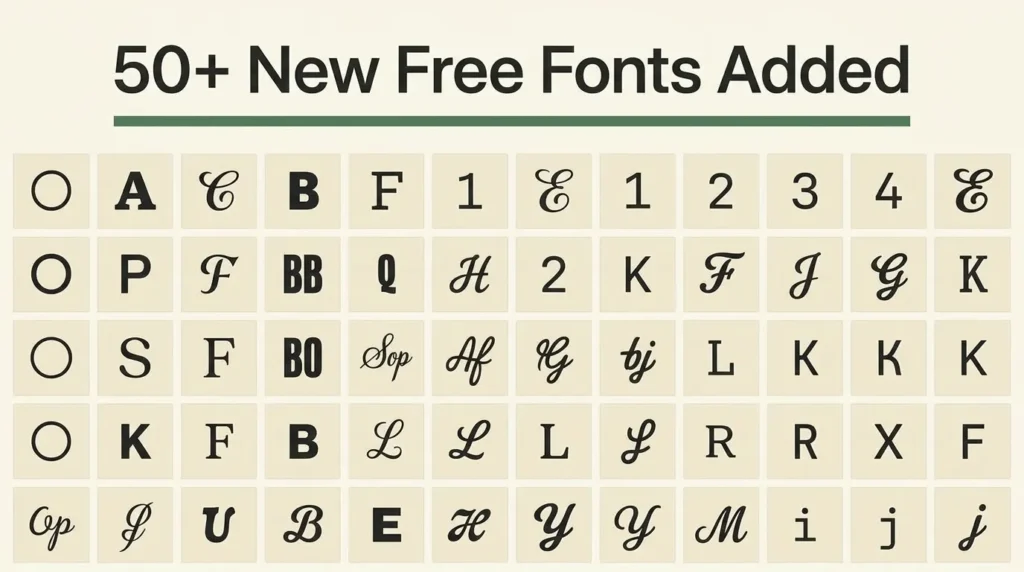
FontCue’s library just grew by more than fifty fonts in one update, spanning sans serif, serif, display, monospace and handwriting styles. I sorted the whole batch into groups you can actually browse instead of dumping fifty names in a wall of text, so this new free fonts roundup works as a shortcut to the ones worth opening first.
Affiliate Disclosure: If you buy through links on our site, we may earn a small affiliate commission to help support the blog – at no extra cost to you. It never influences our product selection process. Thank you!
- 50+ New Free Fonts Added to the FontCue Library (Browse by Style)
- What’s new in the FontCue library
- New sans serif fonts to browse
- New serif fonts to browse
- New display fonts to browse
- New monospace fonts to browse
- New handwriting fonts to browse
- How these fonts are licensed and hosted
- Where to start with this update
- FAQ
- Internal links
Most of these were already familiar names from the wider Google Fonts library, picked specifically to round out gaps in what FontCue already had. A few, like Space Grotesk and JetBrains Mono, lean more toward product and code-adjacent design work than the branding-and-lettering fonts the library leaned on before. Every one of them is hosted directly on FontCue, previewable with the live tester, and downloadable without an account.
That last part matters more than it sounds. A lot of “free font” roundups link out to a font’s page on a different site entirely, so the preview you see and the file you eventually download aren’t guaranteed to match. Everything here previews and downloads from the same place, using the same webfont file, which cuts out a whole category of “wait, that’s not what I saw” surprises later in a project. If you’ve bookmarked FontCue for one or two font families before, this update is the point where the library starts working as an actual reference rather than a handful of one-off picks.
The sections below split the new fonts by category rather than by an arbitrary “top 10” cutoff, on the idea that a designer picking a monospace font for a code-heavy portfolio and a designer picking a display font for a poster headline are looking for completely different things, even in the same update.
Browse the Full Font Library — free downloads.
Download FontsWhat’s new in the FontCue library
FontCue’s font catalog went from a small starting set to more than fifty additional fonts in a single pass, and the point wasn’t just to pad the number. Monospace was basically empty before this, so those four new options actually close a real gap instead of adding to an already-full shelf. Serif got a lot deeper too, enough to cover both a screen-friendly blog body font and something closer to a printed book face. Sans serif went from having a handful of options to enough range that a neutral UI font and a loud geometric headline font are both sitting in the same category now. Every font on this list already has its own FontCue page with a live type tester, a glyph preview, file details and a direct download link.
If you’ve used the library before, the fastest way to see what’s changed is the full font catalog, which now sorts by all five categories below. Nothing that was already in the library got replaced or removed in this update, so links to fonts you’ve used before, like Inter, Playfair Display, Roboto Mono, Pacifico or Bebas Neue, still work exactly the way they did before this batch went live. The new fonts sit alongside those originals rather than on top of them.
New sans serif fonts to browse
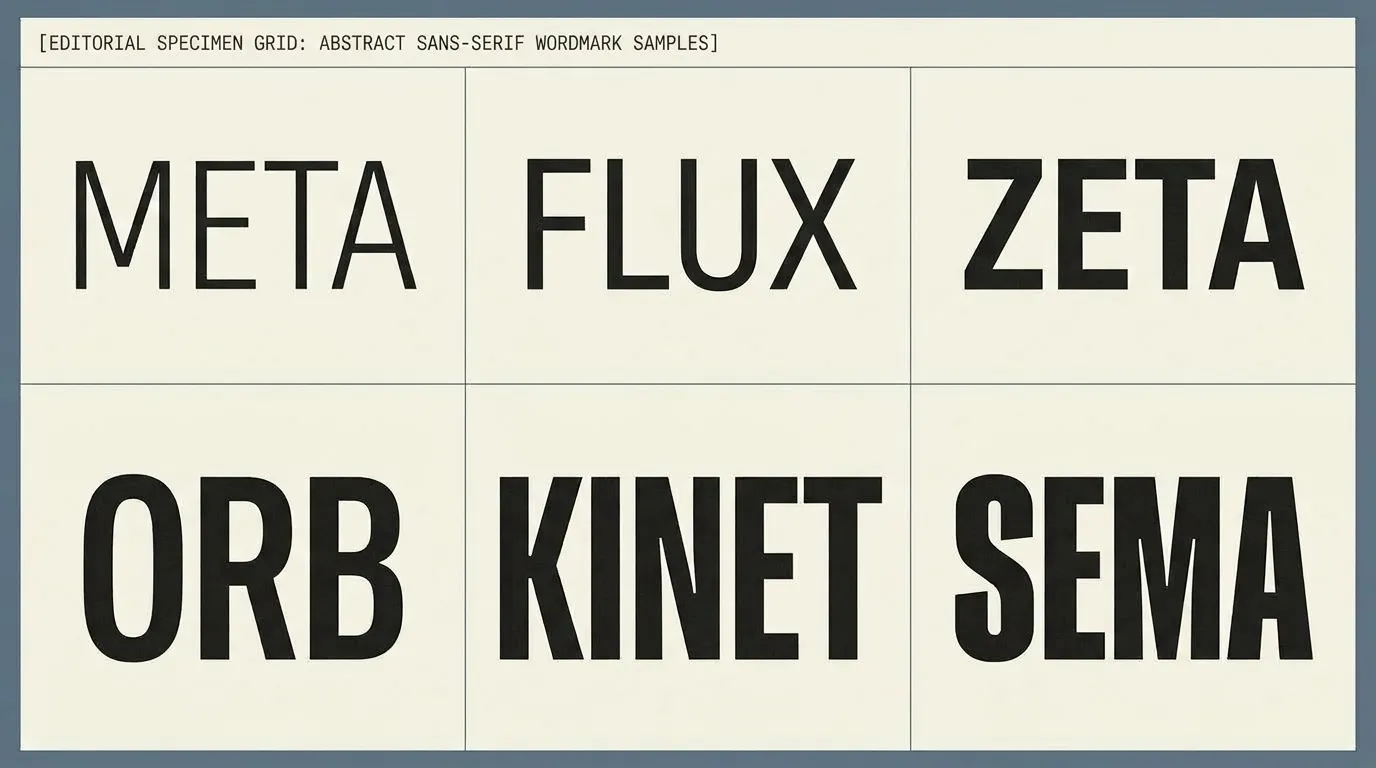
Sans serif makes up the largest chunk of this update, and it splits roughly into two jobs: fonts built for interfaces and body text, and fonts built to carry a bold headline or wordmark.
On the interface and body-text side, Inter was already in the library, and this update adds close relatives built for the same job: Work Sans, Source Sans 3, DM Sans, Karla, Mulish, Hind, Assistant, Heebo, Cabin, Sora, Epilogue and Lato. These fonts are built to stay legible at small sizes and in long paragraphs, which is exactly what a body font or UI system needs.
On the bolder, more geometric side, the update adds Montserrat, Poppins, Nunito, Raleway, Space Grotesk, Rubik, Barlow, Manrope, Outfit, Archivo, Josefin Sans and Quicksand. These read better at large sizes than in dense body copy, which makes them a better fit for a headline, a logo, or a hero section than for a full page of text.
New serif fonts to browse
The serif additions lean editorial: fonts built for long-form reading, print layouts and a more classic tone than a sans serif can carry. Merriweather, PT Serif, Libre Baskerville, Lora, Bitter and Domine all sit on the sturdier, more screen-friendly end of the serif spectrum, which is why they show up so often as blog and article body fonts.
Crimson Text, Cormorant, EB Garamond and Spectral sit closer to a classic book typeface, with finer strokes that suit a more literary or old-style layout. Vollkorn and Zilla Slab round the group out at the sturdier, slab-leaning end, which holds up better in a printed poster or a heading set at a larger size.

New display fonts to browse
Display fonts aren’t meant for paragraphs. They’re built to carry a single word or a short headline at a large size, and this batch adds eight of them across pretty different moods. Oswald and Anton are tall, condensed and built for maximum impact in a small horizontal space, which is why they turn up constantly in poster and news-style headlines. Righteous and Bungee push further into a bold, playful register that suits a badge, a sticker or a casual brand mark. Abril Fatface sits at the more editorial, high-contrast end, closer to a fashion magazine headline than a poster font. Fredoka rounds every corner for a friendlier, softer display option, while Rajdhani and Orbitron lean technical and futuristic, better suited to a gaming or tech-adjacent brand than a soft or traditional one.

New monospace fonts to browse
Monospace fonts were thin in the library before this update, and four solid options now fill that gap: JetBrains Mono, IBM Plex Mono, Fira Code and Inconsolata (joining Roboto Mono, which was already in the library). Every character in a monospace font takes up the same horizontal space, which is what makes code, tables and anything that needs to line up in neat columns actually readable. They’re a niche pick outside of technical layouts, but for a portfolio site, a developer brand, or any design that wants a “code” visual cue, this is now a real set to choose from instead of one default option.

New handwriting fonts to browse
The handwriting additions add range on both ends of the style: Caveat and Kalam read as casual, everyday handwriting, the kind that works as an accent note or a signature-style callout without looking overly formal. Dancing Script and Great Vibes sit at the more formal, flowing end, closer to calligraphy than handwriting, which suits an invitation or a logo script better than a casual caption. All four join Pacifico, which was already in the library as its more playful, rounded script option.

How these fonts are licensed and hosted
Every font in this update is released under the SIL Open Font License, the same free-for-commercial-use license the library’s original fonts used. Each font is self-hosted on FontCue rather than pulled live from an external CDN, so a download comes straight from FontCue’s own servers, and each font’s page links to its specific license file rather than a generic library-wide statement. That matters if a license gets updated upstream: checking the font’s own page confirms which version and terms actually apply to the file being downloaded, rather than relying on memory of what the license said when the font first went up.
None of these fonts require an account, a signup form, or an email address to download. The tester on each font’s page also runs on the real webfont file, not a static image, so a preview at any size or weight matches what actually ships in the download.

Where to start with this update
Fifty-plus new free fonts in one pass is a lot to browse cold, so the fastest way in is by job rather than by name. Need a body font for a full page of text? Start in the sans serif or serif groups above rather than the display group, which is built for short headlines and won’t hold up in a paragraph. Building something technical or code-adjacent? The four new monospace fonts cover that gap on their own. Working on an invitation, a signature-style callout, or anything that wants a personal touch? The handwriting group is small on purpose, four fonts instead of fifty, so it’s easy to preview all of them in one sitting.
The full font catalog is the place to actually browse everything at once, filter by category, and open the live tester on whichever new free fonts catch your eye. Every one of them downloads the same way: open the font’s page, preview it, and grab the file, no account required.
FAQ
Every font added in this update ships under the SIL Open Font License, which allows commercial use without paying a fee or crediting FontCue. Licensing details can shift between font versions, though, so check the license panel on each font’s own FontCue page before shipping it in a paid product.
Open the font’s page on FontCue, preview it with the live tester to confirm the weight and style you want, then use the download button on that page to get the font file directly. No account or email signup is required.
Internal links
- Google Font Pairings: A Simple Mood Map + Script Styles (a mood-first pairing map for combining several of the fonts above)
- Modern Sans Serif Fonts for Branding: A Comparison Guide (a deeper comparison of the geometric, humanist and rounded sans serif fonts in this update)
